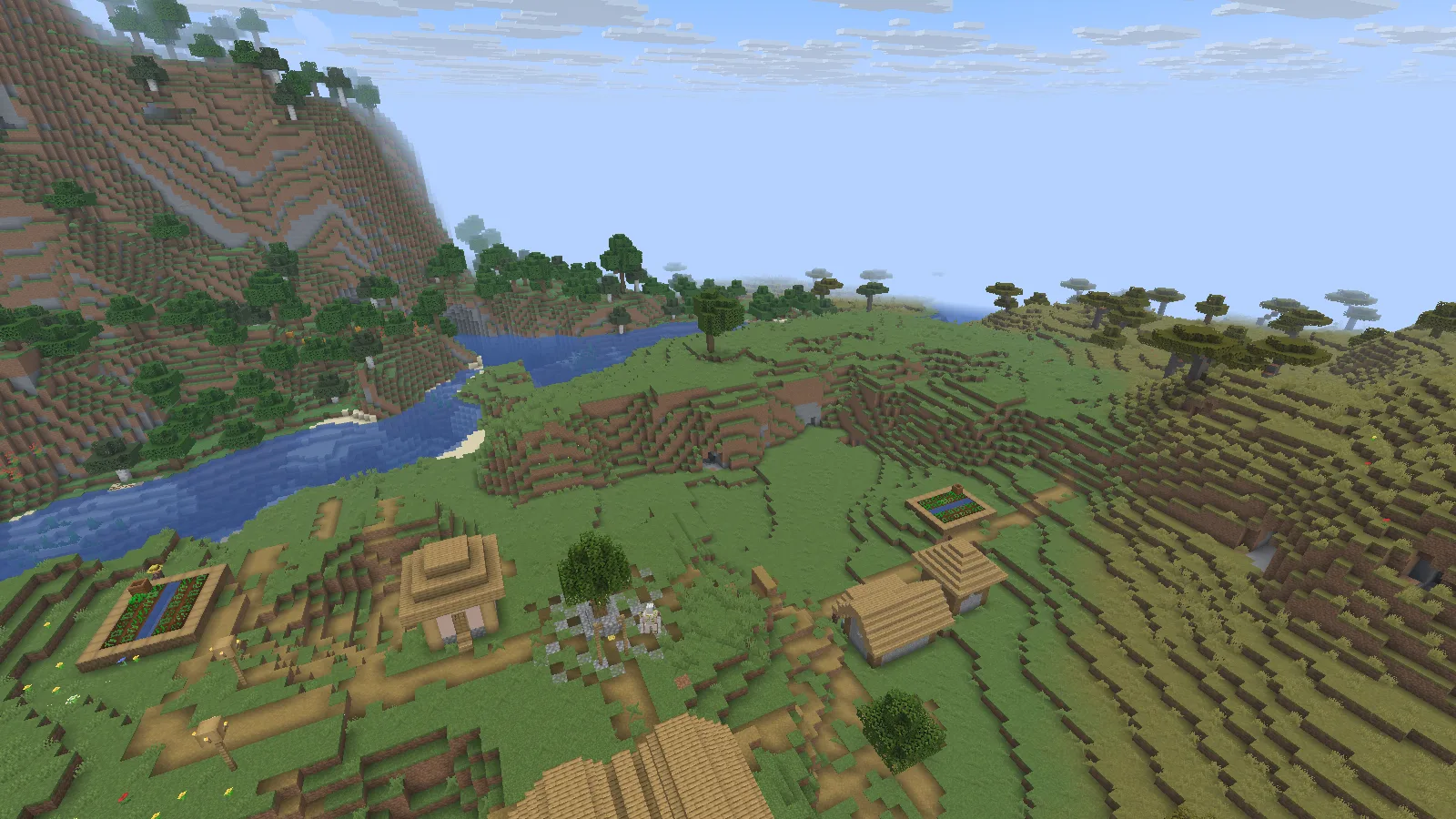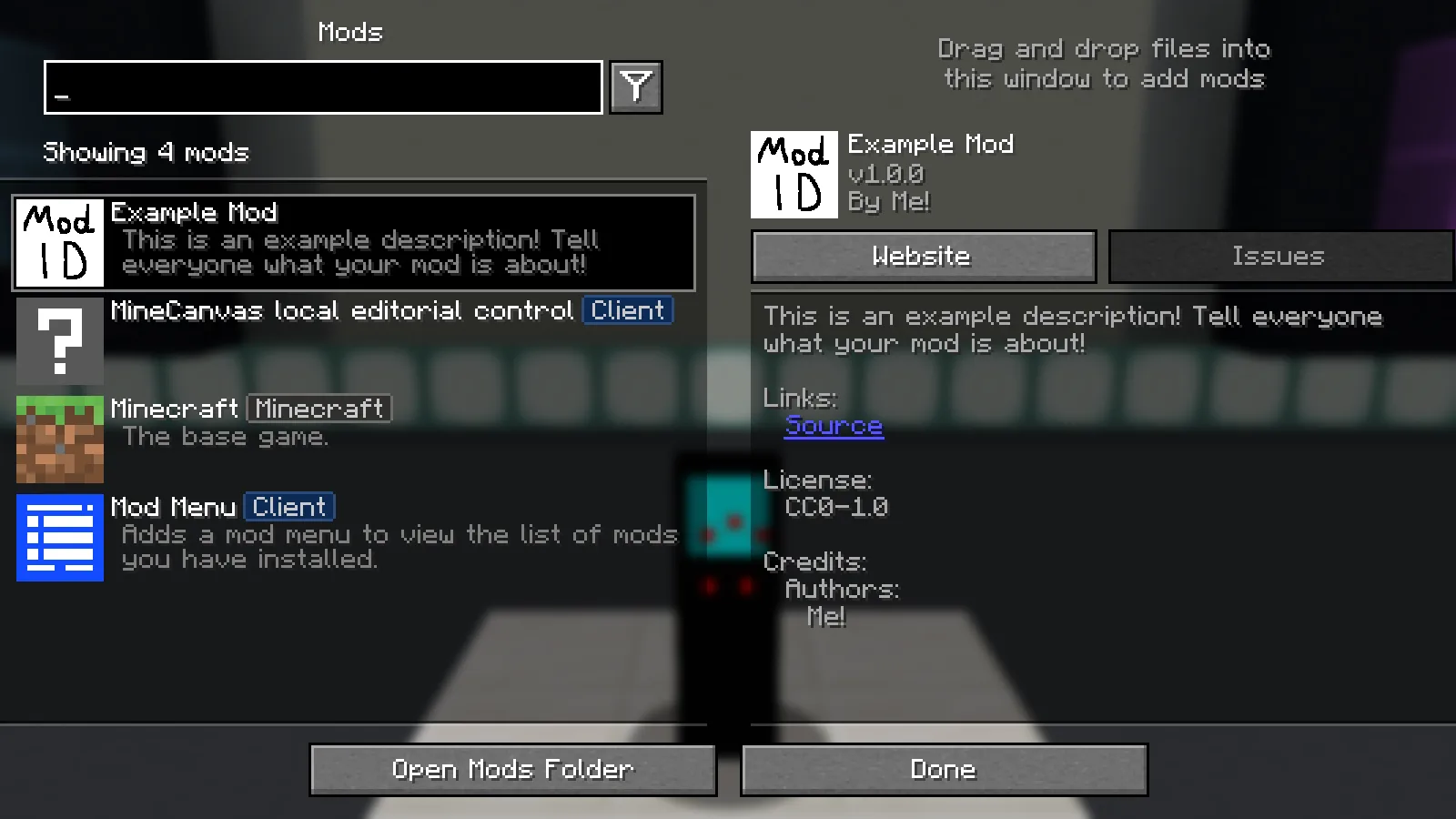
Turn Fabric’s source template into a working mod JAR, see where the files belong, and make your first small change without disturbing your main game.
MineCanvas Java Library
Member since Sep 2026
Published by MineCanvas Java Library
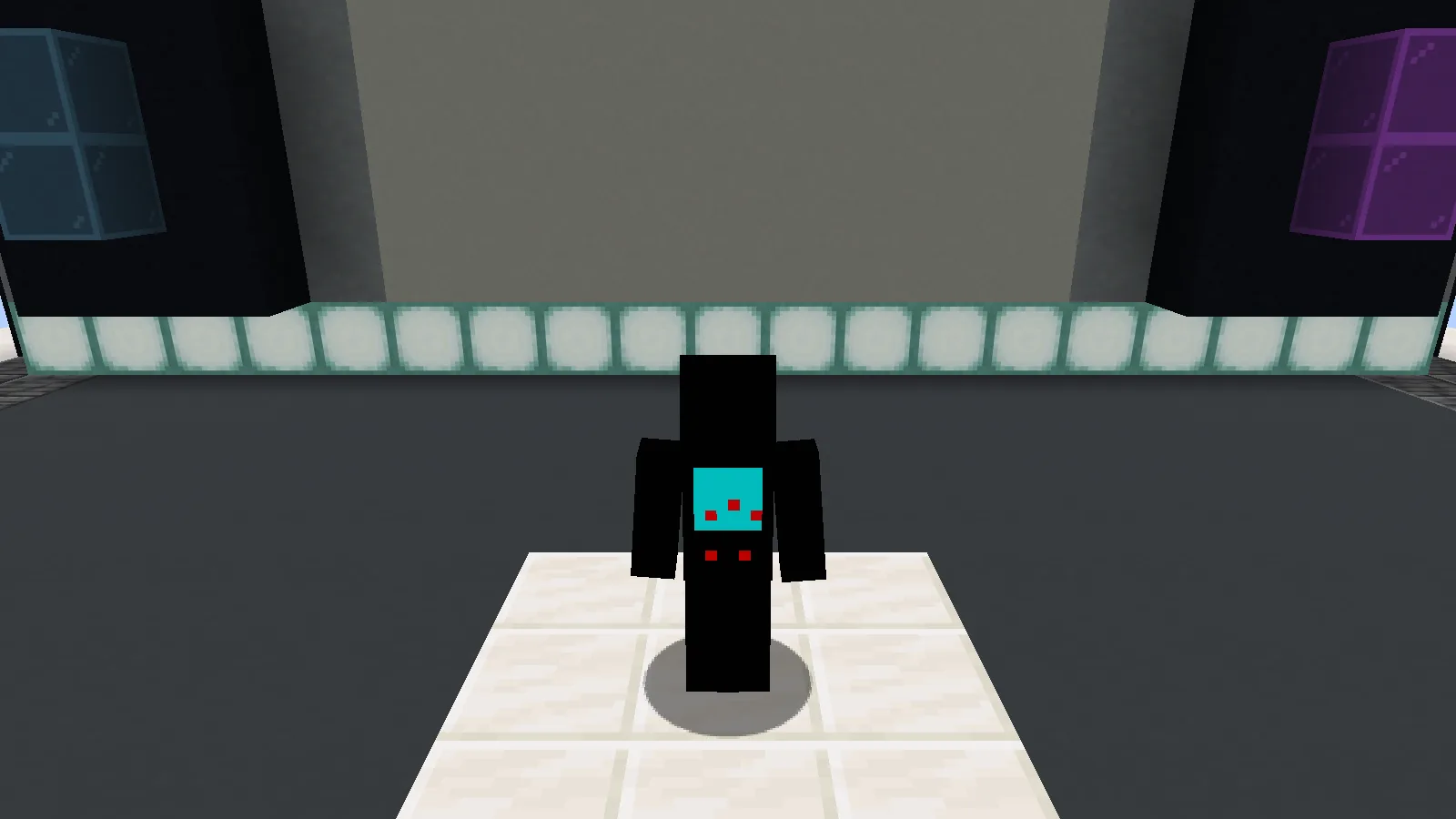
See Parkour, Spleef and Village Defense on a Minecraft character, compare their details, and put your favorite arcade-machine skin on Java Edition.
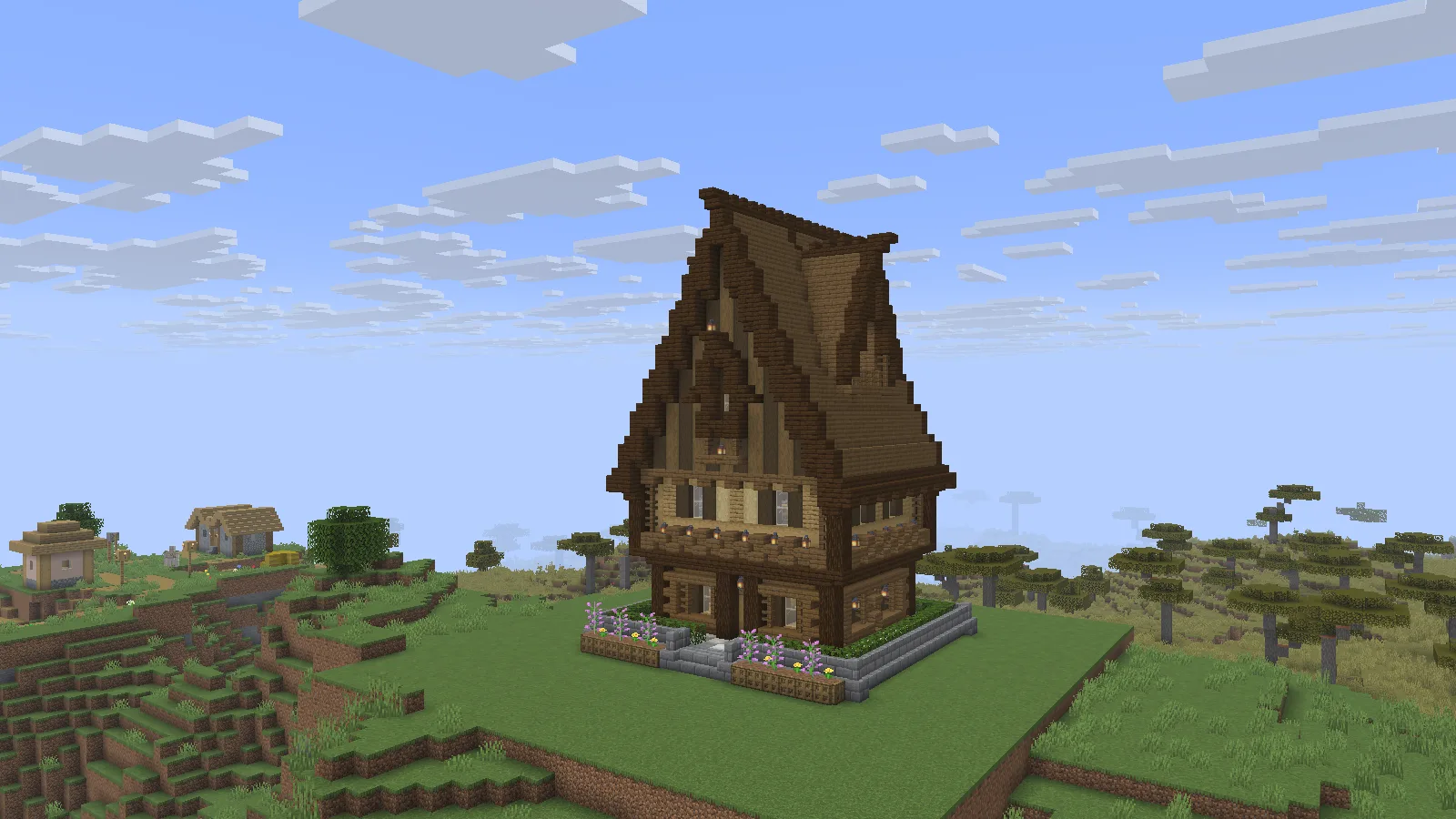
Walk through two house schematics, compare their shapes and interiors, and learn how to load, place, rotate and undo them with WorldEdit.
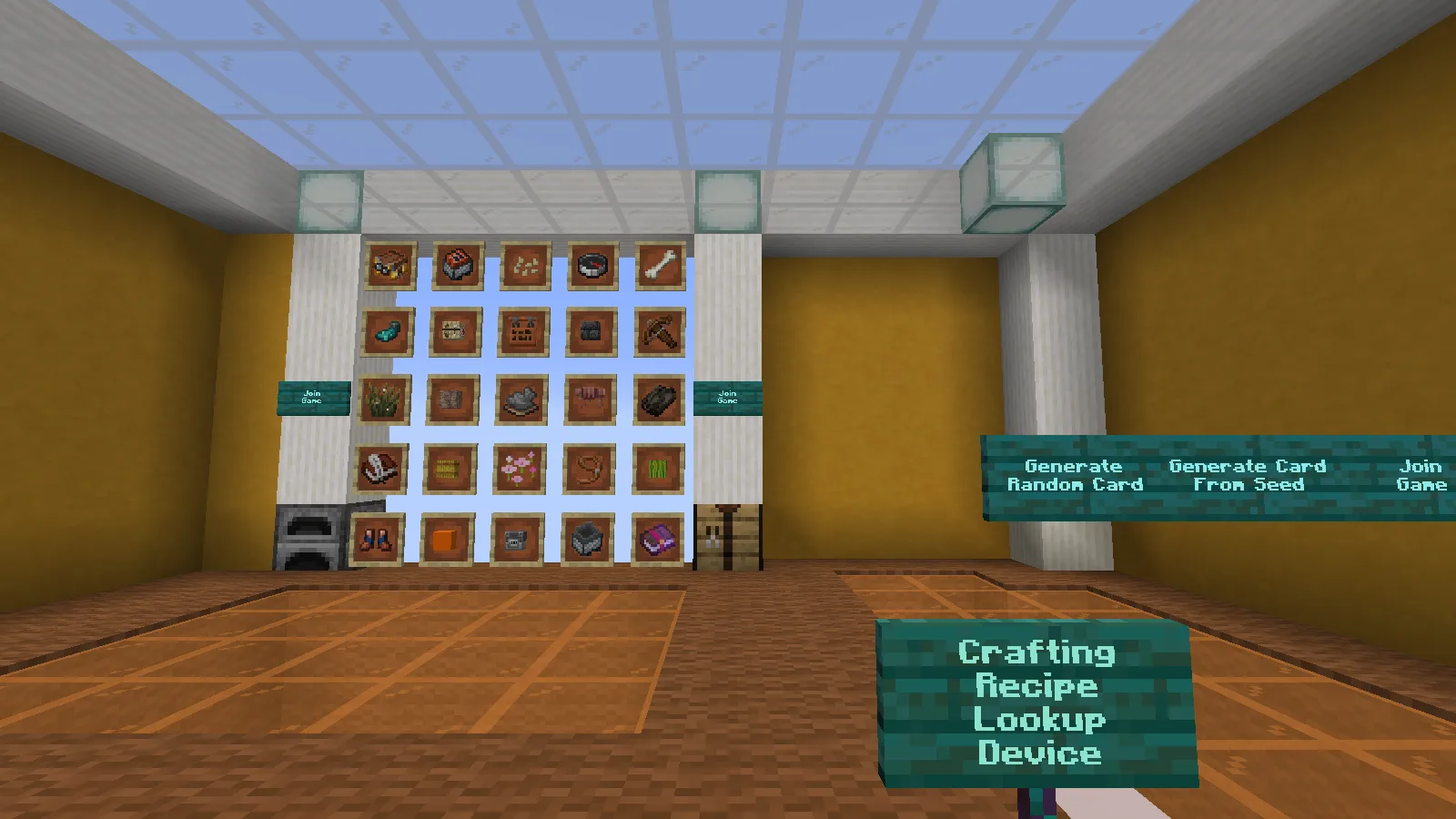
Read the Bingo card, plan a useful gathering route, install the complete world, and choose between stable and beta files for your Minecraft version.
Build a simple permissions group with LuckPerms, see access work and disappear again, and learn where the plugin belongs on a Paper server.
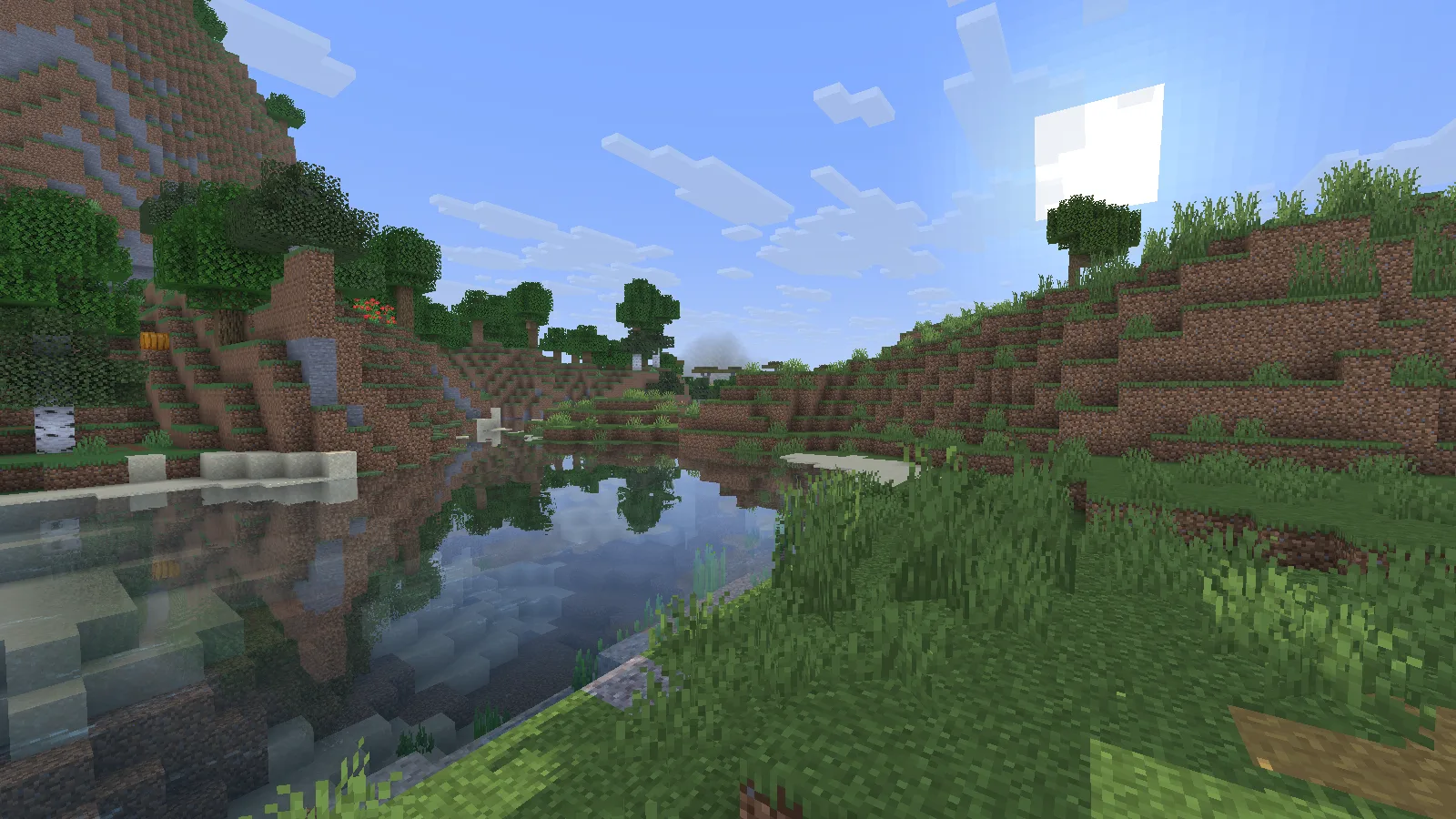
See Miniature Shader on and off by the same river, explore a lantern-lit house at night, and follow a simple Iris installation guide for Java.
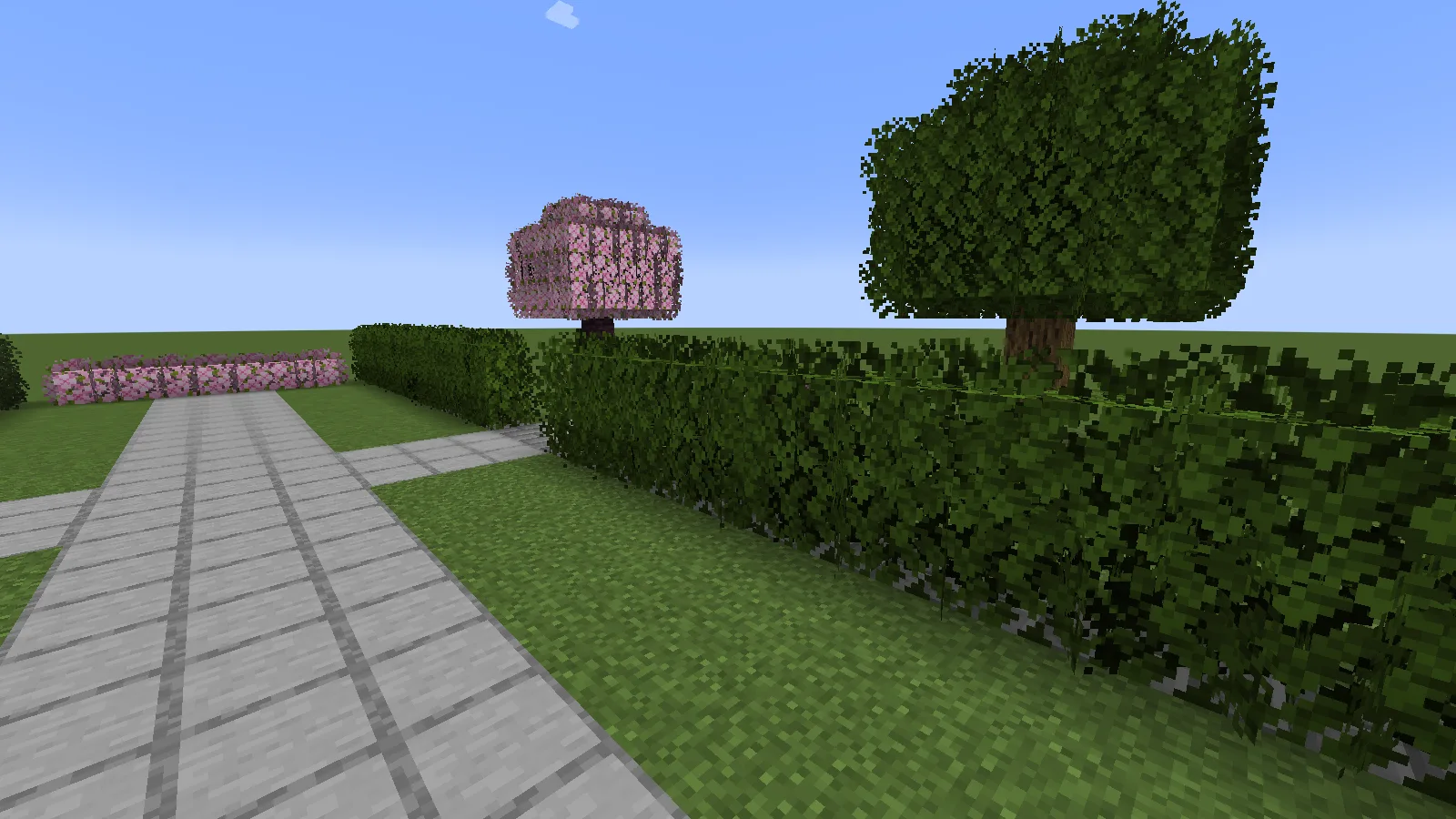
Compare the same garden with Better Leaves on and off, see close-up hedges and cherry foliage, and install the pack in the right Java instance.
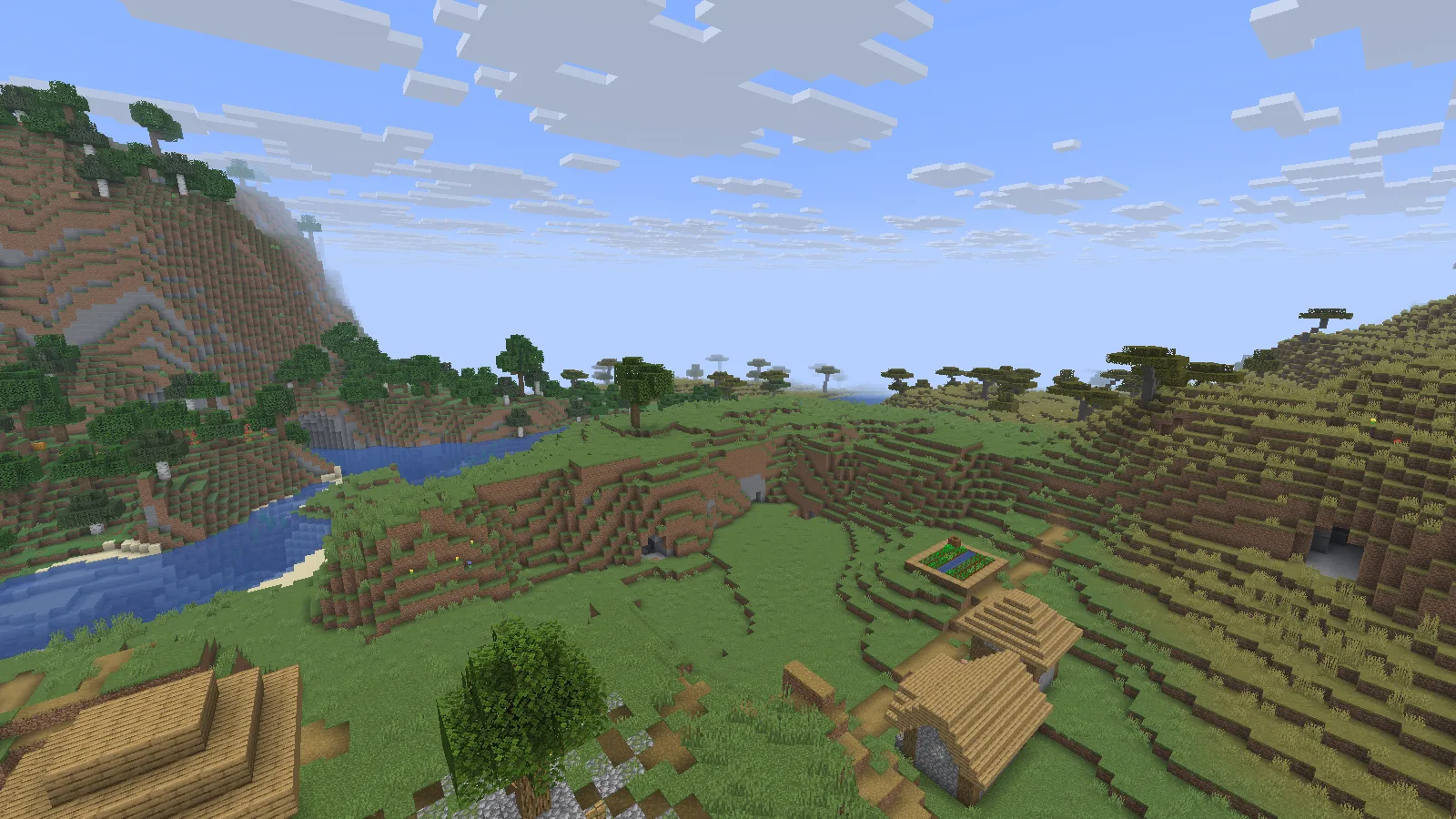
Explore our Tectonic world with mountain, river and desert screenshots, practical base ideas, exact landmarks, and a clear datapack installation guide.
Get started with Fabulously Optimized, choose the right pack version, tune video settings and keep your worlds safe when moving to a separate instance.
What FerriteCore changes, how to choose the right Fabric or Forge file, and how to check that it is active without changing the look of your world.