Larger shadowSmaller shadow
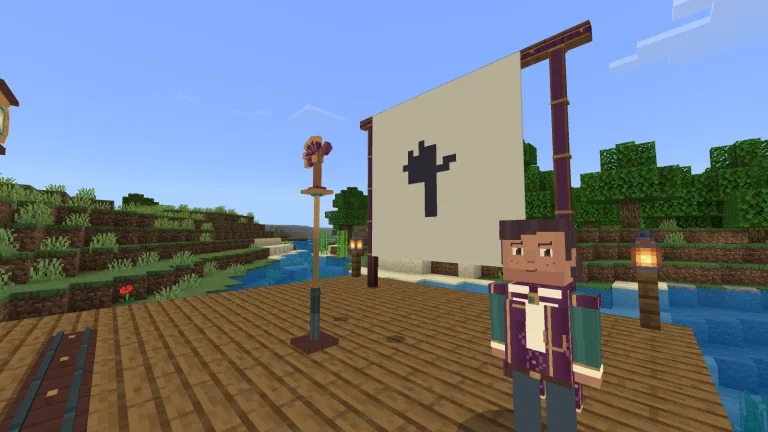
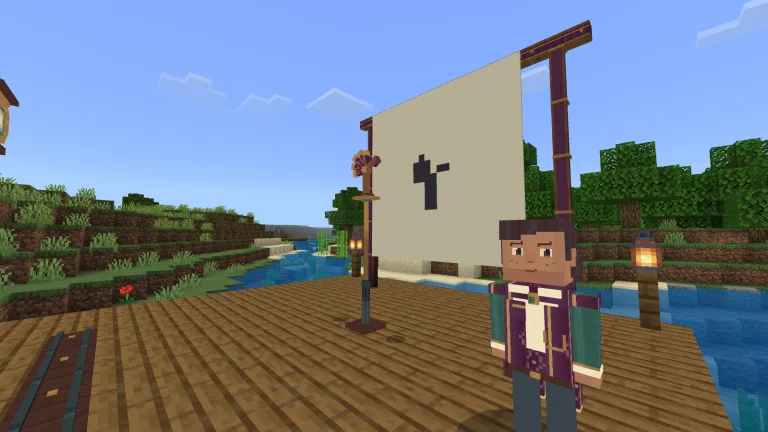
Move the divider to compare the same figure at two distances.
Tansy's Shadow Theatre
Move a lantern and carved figures to solve shadow stories with Tansy.
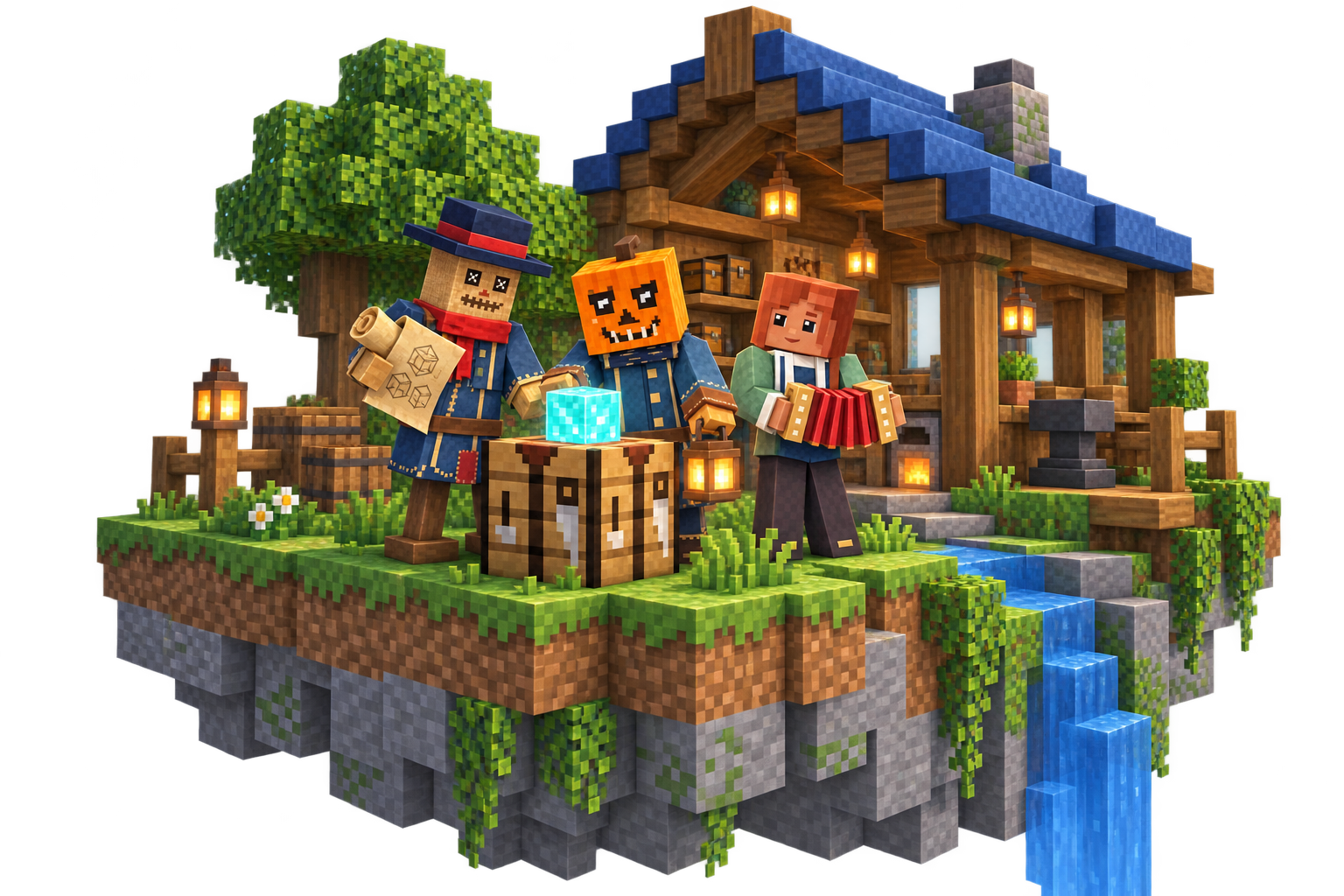
Create something to play with. Open a studio example, change it, and bring your idea into the game.
Move the divider to compare the same figure at two distances.
Move a lantern and carved figures to solve shadow stories with Tansy.
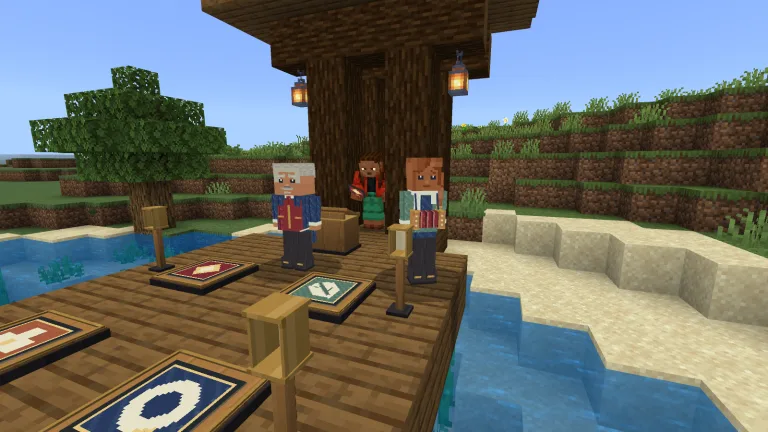
Choose a musical part, follow the visible cues and join Bram and Iona.
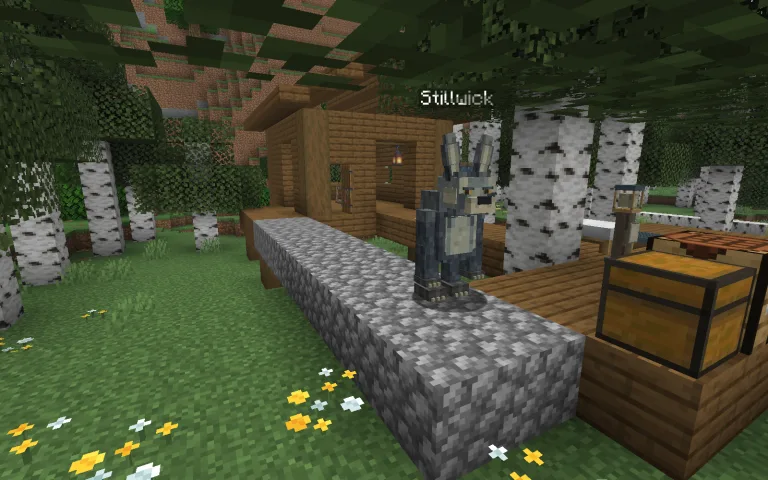
Carry your cargo home, soften footsteps and distract a keen-eared listener.
Java Edition By Modonix Studio
Explore its recipe, item and in-game result. Open the same project in the builder to change it.
Keep an editable project.
Make its items or recipes yours.
Try your file in your own world.

The recipe from the original project.
The project’s own item, pixel for pixel.
The shadow theatre in Minecraft.
Try a color
Paint a 64 × 64 skin, preview both sides and download your PNG.
Compare published files with your setup and spot missing dependencies.
Choose world and player settings, then download a configuration file.
Creations for the Minecraft you play.
Windows · macOS · Linux
Build your own combination of mods, worlds and visuals.
Mobile · Windows · Consoles
Find a new adventure for the way you play.
These are comparison criteria, not provider ratings. Hosting plans and prices are not listed here.