
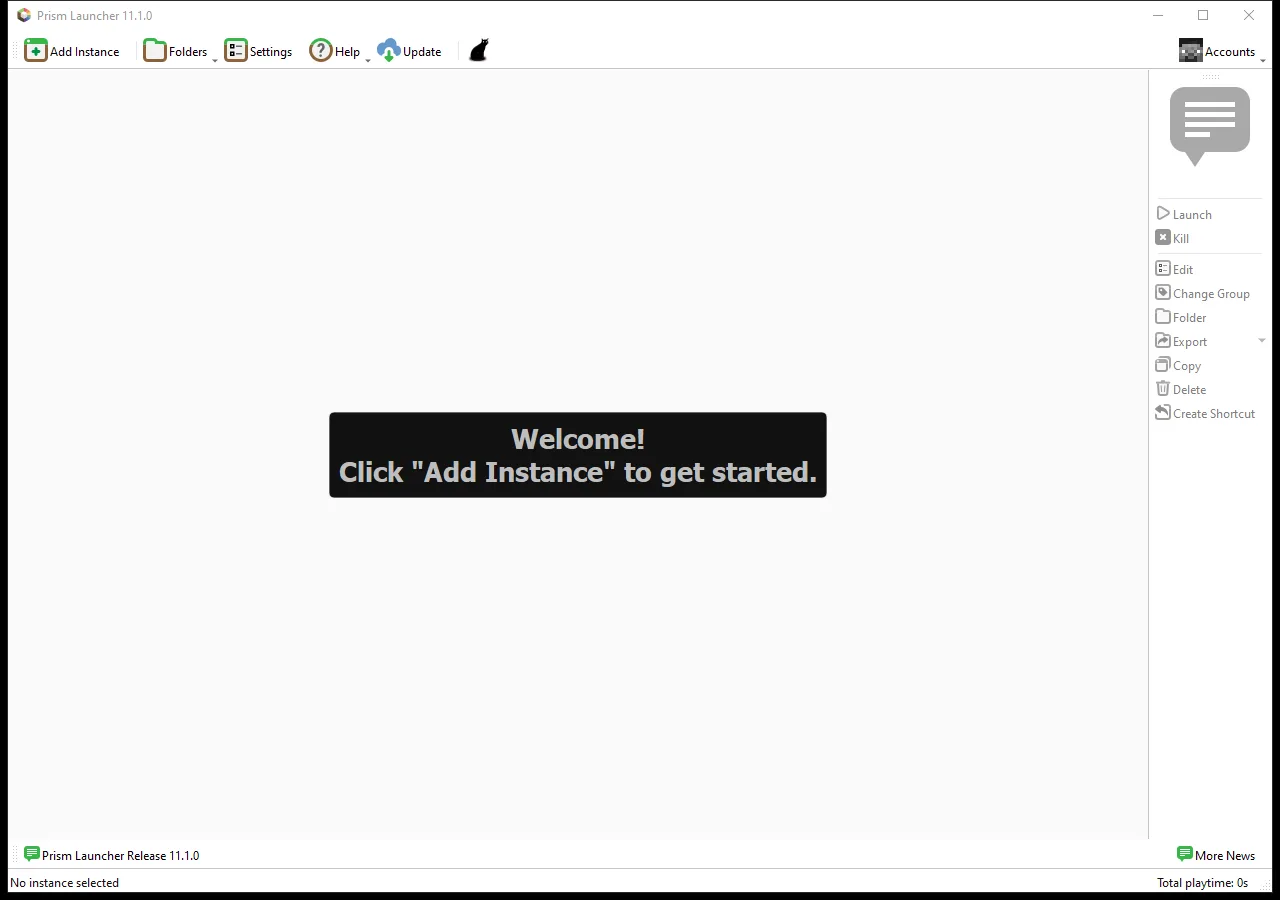
Prism Launcher gives each Java setup its own game version, loader, mods and saves. That makes it easier to keep a survival world on its working setup while trying a map or a different mod collection elsewhere. Give each instance a purpose before filling it with files: “Survival — Fabric — 26.2” is more useful than “New Instance 3.”
Choose the version before the mods
Select Add Instance. In the Custom page, enter a name, choose the Minecraft version from the list, then choose the loader required by your content. Leave None selected for a vanilla setup. If a mod says Fabric, choosing Forge will not make that file compatible. The newest version in the list is not automatically the right one for an older map or modpack.
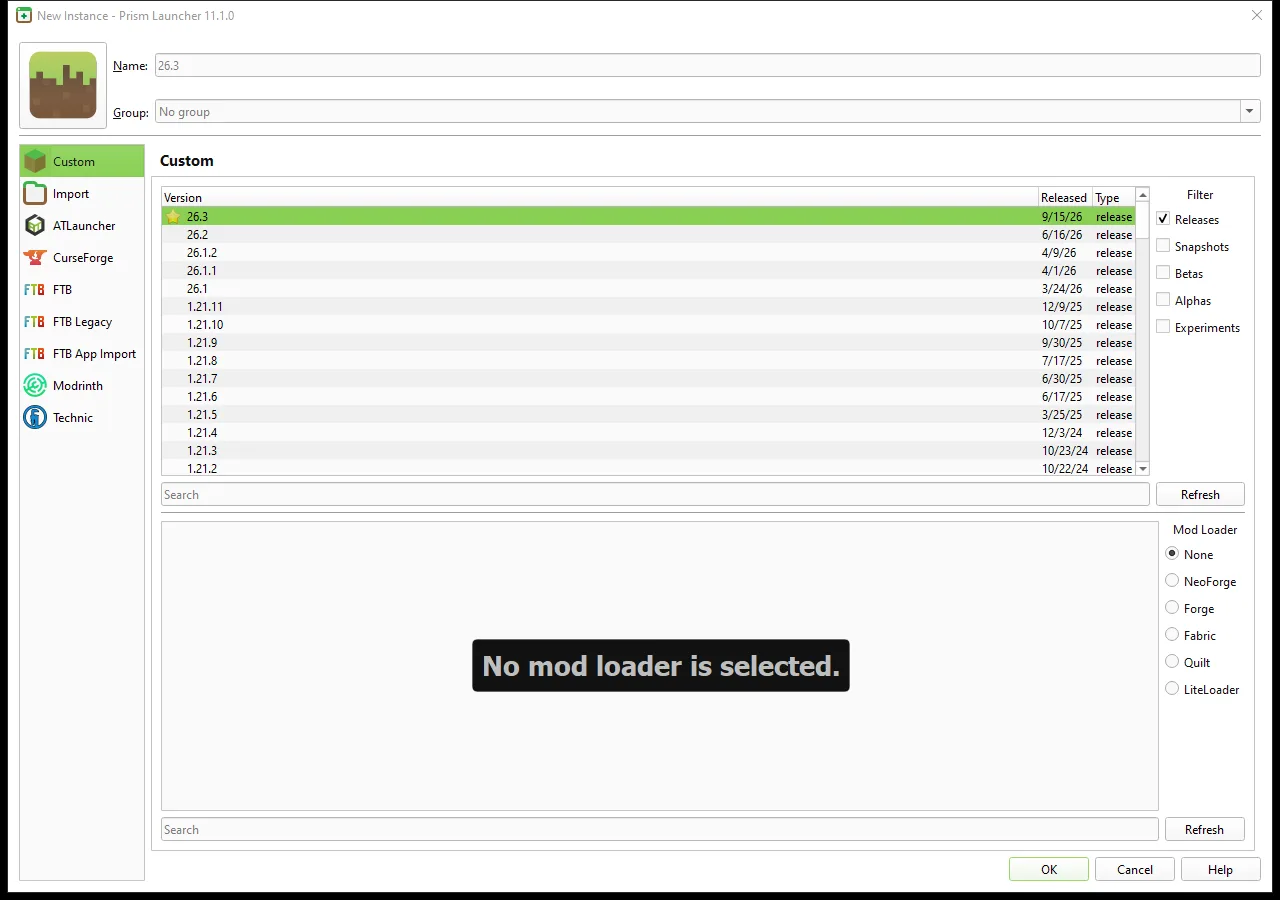
The New Instance dialog shown here is Prism 11.1.0. It separates the Minecraft release list from the loader choices, so check both before confirming. For a ready-made modpack, use its import route or the relevant pack browser instead of recreating its dependency list by hand. A pack can require a particular loader build as well as a particular game version.
Prism needs a Microsoft account with Minecraft: Java Edition to play. Add that account through Accounts when you are ready, then launch the new instance with an empty test world. This gives you a simple starting point before adding more content. For individual mods, open the instance editor and its Mods page, and add files matching the chosen release and loader, including their required dependencies.
Organize around the worlds you care about
A useful small library has three roles: regular survival, a creative workshop and an older-version archive. Give the workshop a different icon or a clear name prefix. Before a major update, record the old game and loader versions so you can recognize the setup that last opened the world successfully.
When making an experimental copy, copy the saves as real files. A shortcut or linked save can still point at the original world. Keep an additional dated backup outside the instance directory, then make one change in the test instance and try one ordinary action before adding another.
If your world seems to have vanished, check the selected instance first. Use that instance's folder shortcut to inspect its saves rather than looking in a different launcher's directory. Separate instances help keep setups understandable; they do not convert Bedrock worlds or translate mods between loaders.
Use this tool
This resource is hosted on its own website.
Open tool ↗prismlauncher.org
Comments & questions
Share what worked, ask for help or reply to another player.
No comments yet. Share what worked for you.