
Three different views can explain a build better than ten nearly identical pictures. Give each frame a job: show where the building sits, explain one detail, and show what a player sees while using the space. The same approach works for a tiny fishing hut or a much larger house.
These examples show a generated Structory firetower in Java 26.2. The structure belongs to Structory by Stardust Labs; the photographs are ours.
1. Include the building and its surroundings
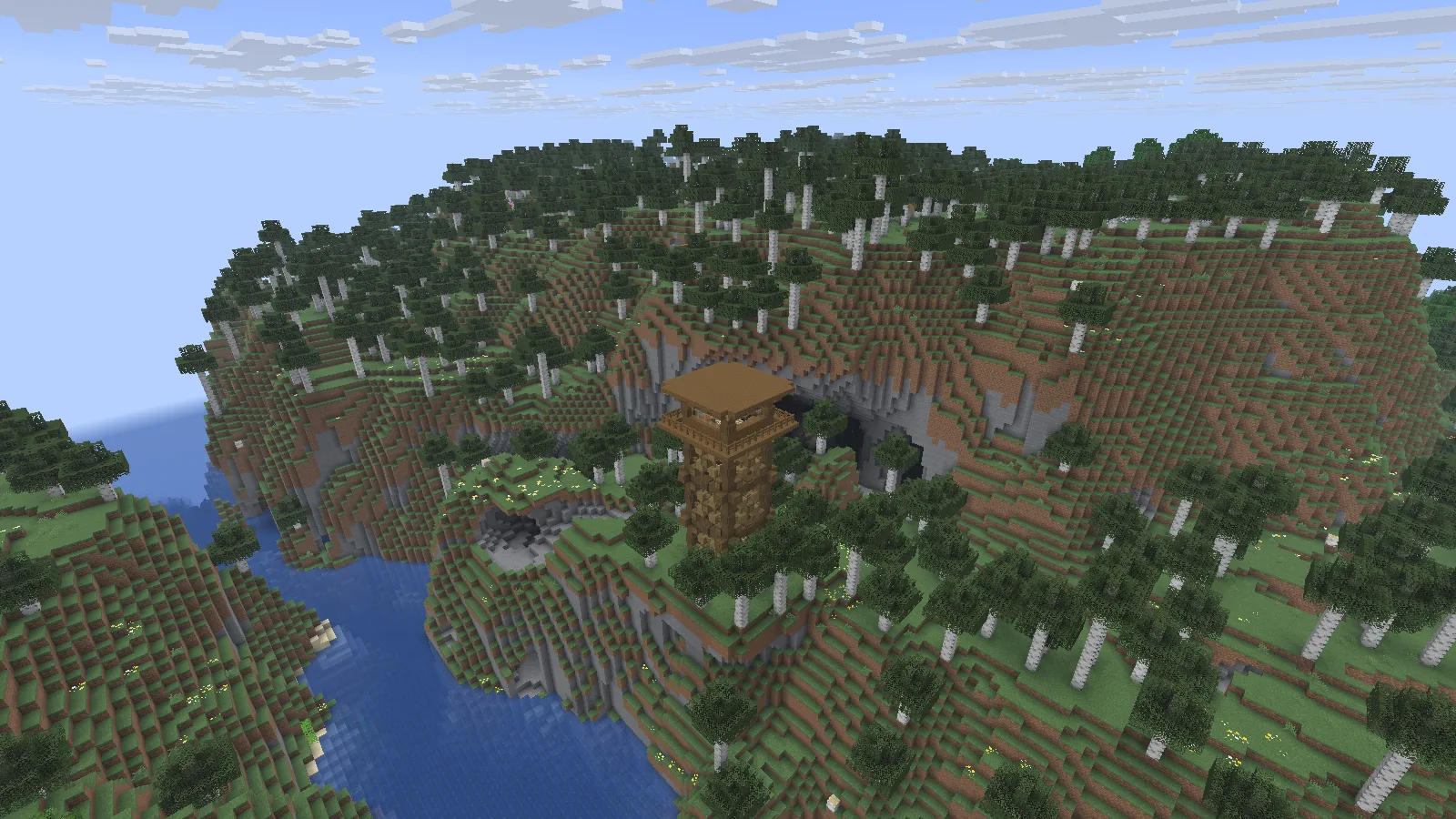
Overview: Structory’s whole firetower, hillside supports and river setting in Java 26.2. Spectator camera.
The first view keeps the firetower's roof, supports and hillside in the picture. The river explains the drop beside it, while the birch-covered ridge establishes the surrounding terrain. Someone who has never visited can understand why this spot makes a useful lookout.
For your own small build, leave enough ground visible to show how it meets the site. Move sideways before flying much higher. A slight angle can separate a porch from the wall behind it; a steep downward view may hide the doorway under the roof.
Check every edge of the image. A clipped roof or foundation can make a building harder to understand even if its center looks attractive. If the surroundings overwhelm a small shed, move closer while keeping one clear landmark, such as its path or riverbank.
2. Choose a detail with context
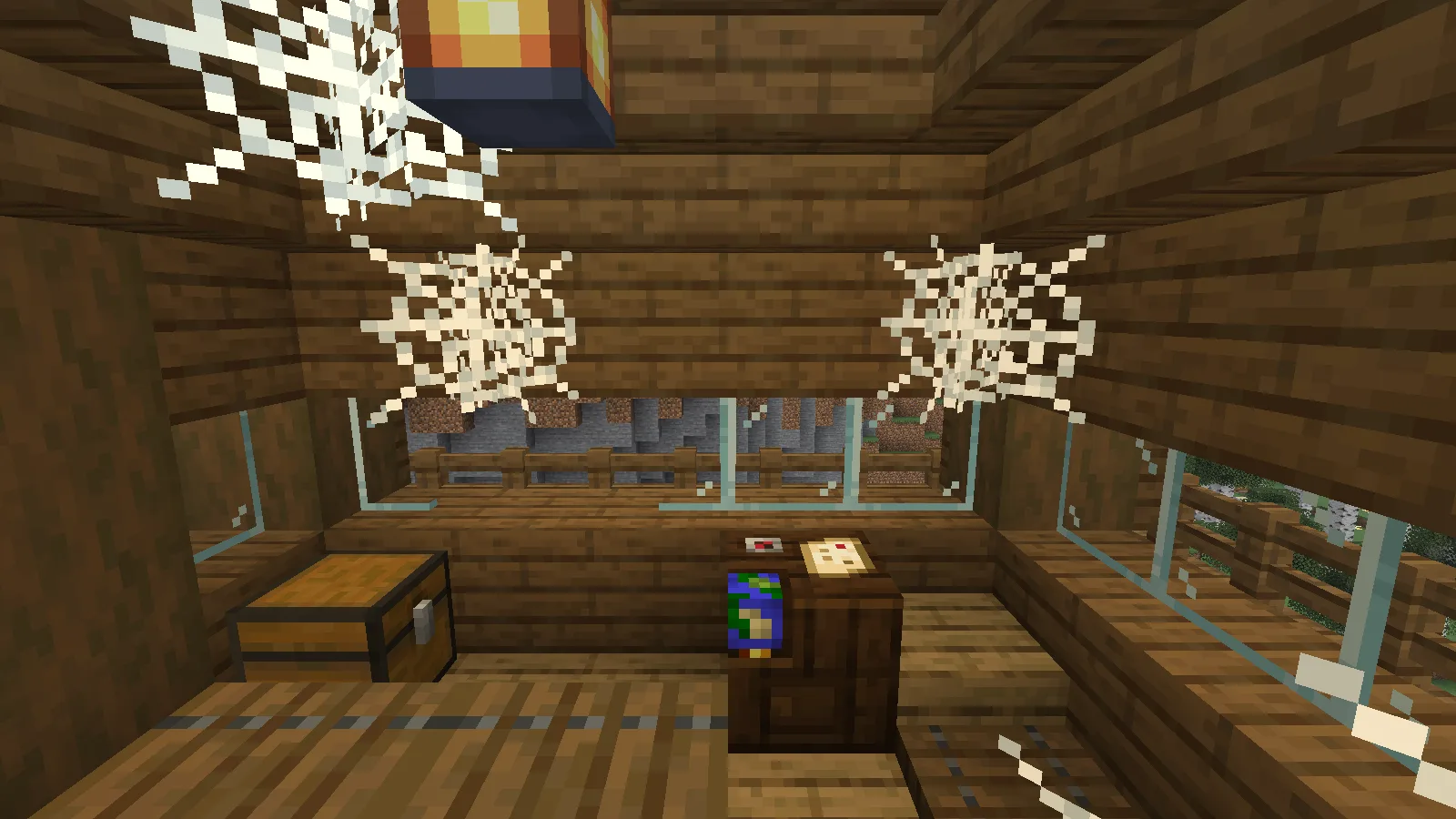
Detail with context: the firetower’s chest and cartography table sit beneath windows, a lantern and cobwebs. Spectator camera.
Inside the tower, the chest, cartography table, windows and lantern explain the small room together. Keeping neighboring blocks in view makes their scale readable. A tighter picture of only the table's texture would lose the relationship between storage, workspace and the view outside.
Pick one detail another builder could use: a window seat, roof corner or storage alcove. Keep enough wall and floor around it to show how it fits. When explaining an inventory or a control, leave that interface visible; hiding the useful information does not improve the explanation.
3. Show the space from within
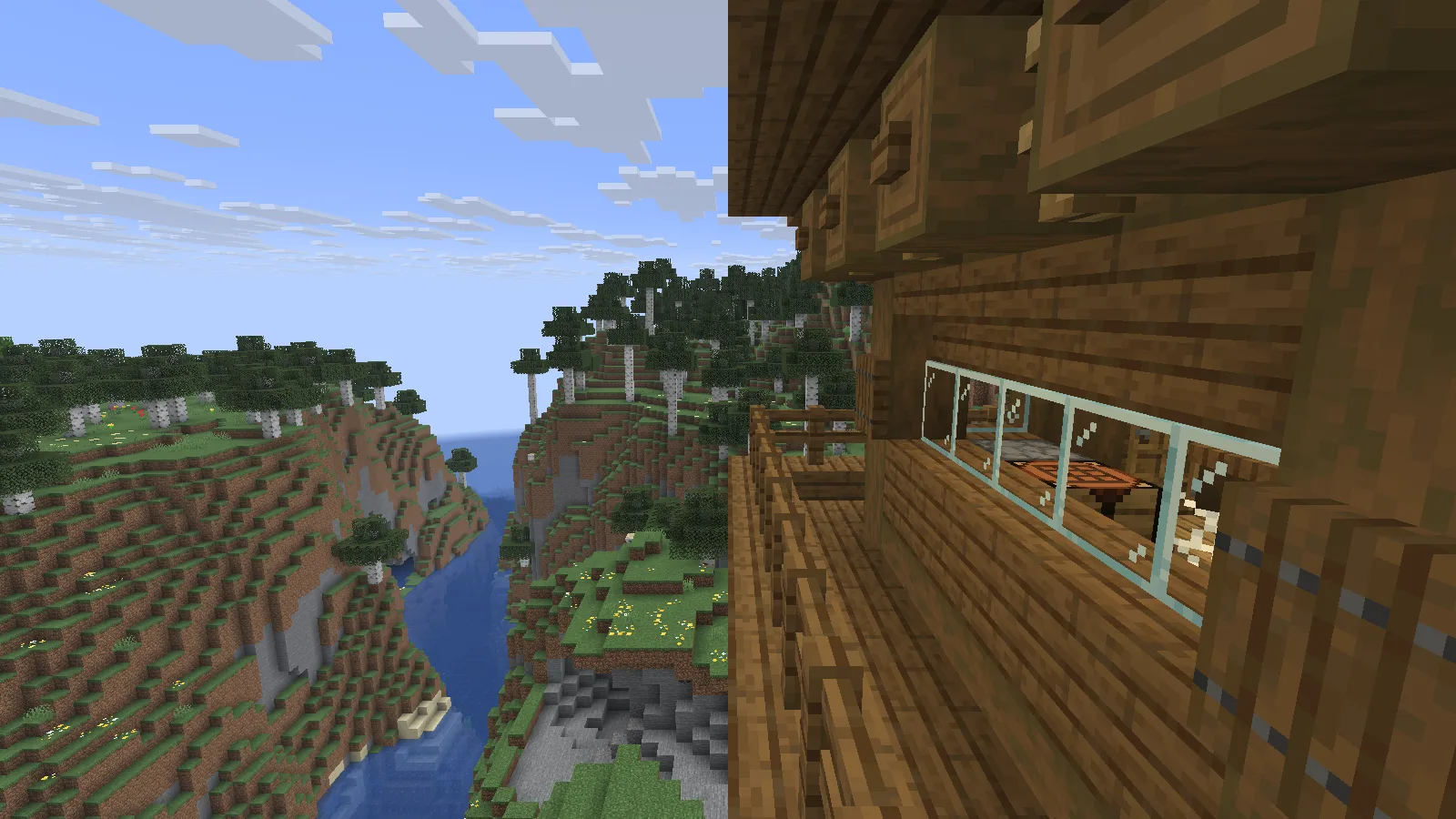
View from within: the balcony railing and roof frame the river between wooded slopes. Spectator camera.
The balcony view follows the railing toward the corner and looks down the river. The overhanging roof remains in the frame, showing how the lookout feels sheltered without closing off the landscape. This is a different question from the overview: what can someone see from this part of the building?
For a ground-level entrance, take the equivalent frame from the approach path at normal player height. Let the doorway or next turn remain visible. This can expose a decorative post blocking the route, a low beam or a path hidden by planting.
Keep the comparison easy to read
Use similar daylight for the three main views. Add a separate night image when lighting is the subject. For before-and-after pictures, match position, field of view and scene conditions so the change is clear.
On Java for PC, F2 saves a screenshot in the active instance's screenshots folder. Keep the original files and crop copies if needed. Give each image a short caption naming its purpose. Identify a shader or offline renderer when it changes the appearance; these tower views use default resources without a shader.
Comments & questions
Share what worked, ask for help or reply to another player.
No comments yet. Share what worked for you.