
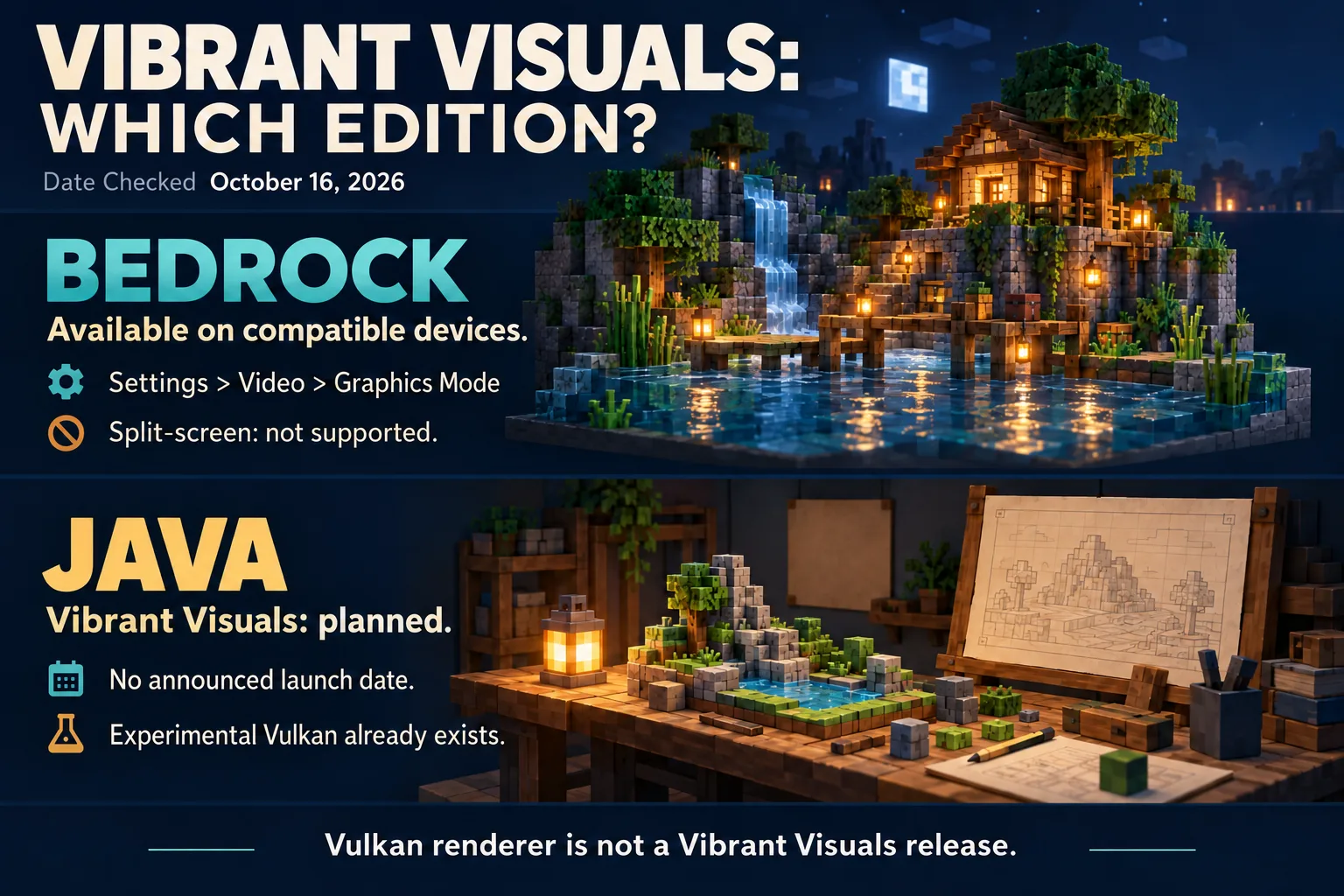
Checked October 16, 2026: Minecraft's official Vibrant Visuals page still describes Java Edition support as a future plan. It lists the visual upgrade as available now on compatible Bedrock Edition devices. That distinction matters even on a Windows PC that can run both editions.
Pick the edition before following a settings guide
| What you are running | What the official status supports |
|---|---|
| Compatible Bedrock device | Released Vibrant Visuals mode |
| Java Edition | Future Vibrant Visuals support; no launch date specified on the checked official page |
| Java with a community shader pack | A separate shader setup, not evidence of the official Vibrant Visuals release |
Doesn't Java already have Vulkan?
Yes. Java 26.2 introduced an experimental Vulkan rendering option with OpenGL fallback. The Java 26.3 release notes continue to discuss both backends. The February developer article described that renderer transition as work toward Vibrant Visuals.
A rendering backend is the underlying way the game sends graphics work to the hardware. Selecting Vulkan does not, by itself, add the announced lighting feature set. Do not read “Vulkan is available” as “Vibrant Visuals has launched for Java,” and do not use a Bedrock settings video as instructions for Java.
What can Bedrock players use now?
On supported hardware, the route is Settings → Video → Graphics Mode → Vibrant Visuals. The official compatibility information includes Windows PC requirements such as DX12 support; mobile support also depends on the hardware. A platform name alone is not enough to establish compatibility for every device.
Vibrant Visuals changes presentation rather than game rules. The official page says existing worlds can use it, and friends on Realms can play together with the mode enabled or disabled individually. Split-screen is not supported: local split-screen switches to Fancy or Simple rendering. See the Bedrock graphics-mode guide for choosing between those settings.
What if you want different lighting in Java today?
Treat community shaders as their own setup with the appropriate loader and compatible pack. A missing shaders button is a different issue from waiting for official Vibrant Visuals; this Java guide explains that route. Neither a shader pack's title nor a renderer switch establishes a Java release date for Vibrant Visuals.
Comments 0
Share what worked, ask for help or reply to another player.
Use your Modonix account to join the discussion and manage your comments.
Sign in to commentNo comments yet. Share what worked for you.