
A chest above a jukebox can now supply a repeating music playlist in Minecraft’s October 13 testing builds. This is a vanilla feature announced for Java 26.4 Snapshot 4 and Bedrock Preview 26.70.20; it is still in testing.
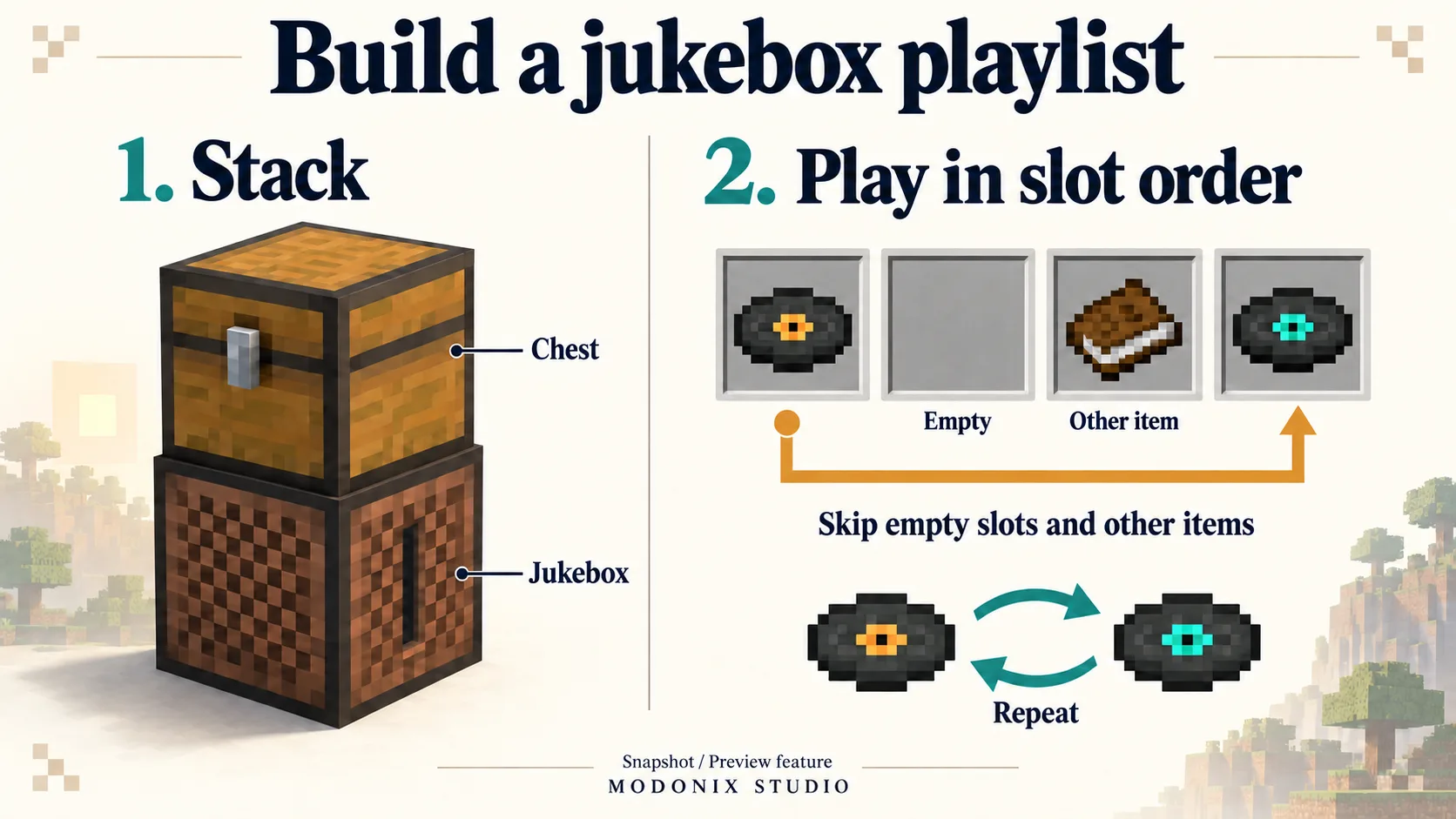
What goes above the jukebox?
The announced setup uses one single Chest, Trapped Chest or Copper Chest variant directly above the jukebox. Put music discs in that container. The supported-container list matters: a storage block that looks convenient is not automatically a playlist source.
For a listening corner, leave room to reach both blocks. You will want access to the chest to change the collection and to the jukebox to skip a track.
How the playlist moves through the chest
The release notes describe these rules:
| Situation | Announced behavior |
|---|---|
| Several discs in the chest | They play in inventory-slot order. |
| An empty slot or another item between discs | It is skipped. |
| A track ends | The jukebox exchanges that disc for the next one in the chest. |
| The playlist reaches its end | Playback returns to the beginning. |
| The chest contains no discs | The disc already in the jukebox plays again. |
| You eject the playing disc | Playback advances to the next available disc. |
That makes arrangement part of the design. Treat the chest as an ordered selection: put the tracks you want next in the sequence, rather than scattering them among building supplies. Empty spaces are not timed pauses.
Ordered playback, not a shuffle setting
These notes describe a loop through the slots, not random selection. If you want a quiet opening followed by livelier tracks, arrange your collection around that progression. Keep your working world separate when trying a snapshot or preview; the playlist rules can still change before release.
Comments 0
Share what worked, ask for help or reply to another player.
Use your Modonix account to join the discussion and manage your comments.
Sign in to commentNo comments yet. Share what worked for you.