
A good download starts with a picture in your head: a garden that feels softer, a bigger build with less repeated work, or a survival evening with a clear goal. We have been taking those small ideas into Minecraft and following them far enough to show what actually happens.
A garden is a better comparison than two unrelated forests
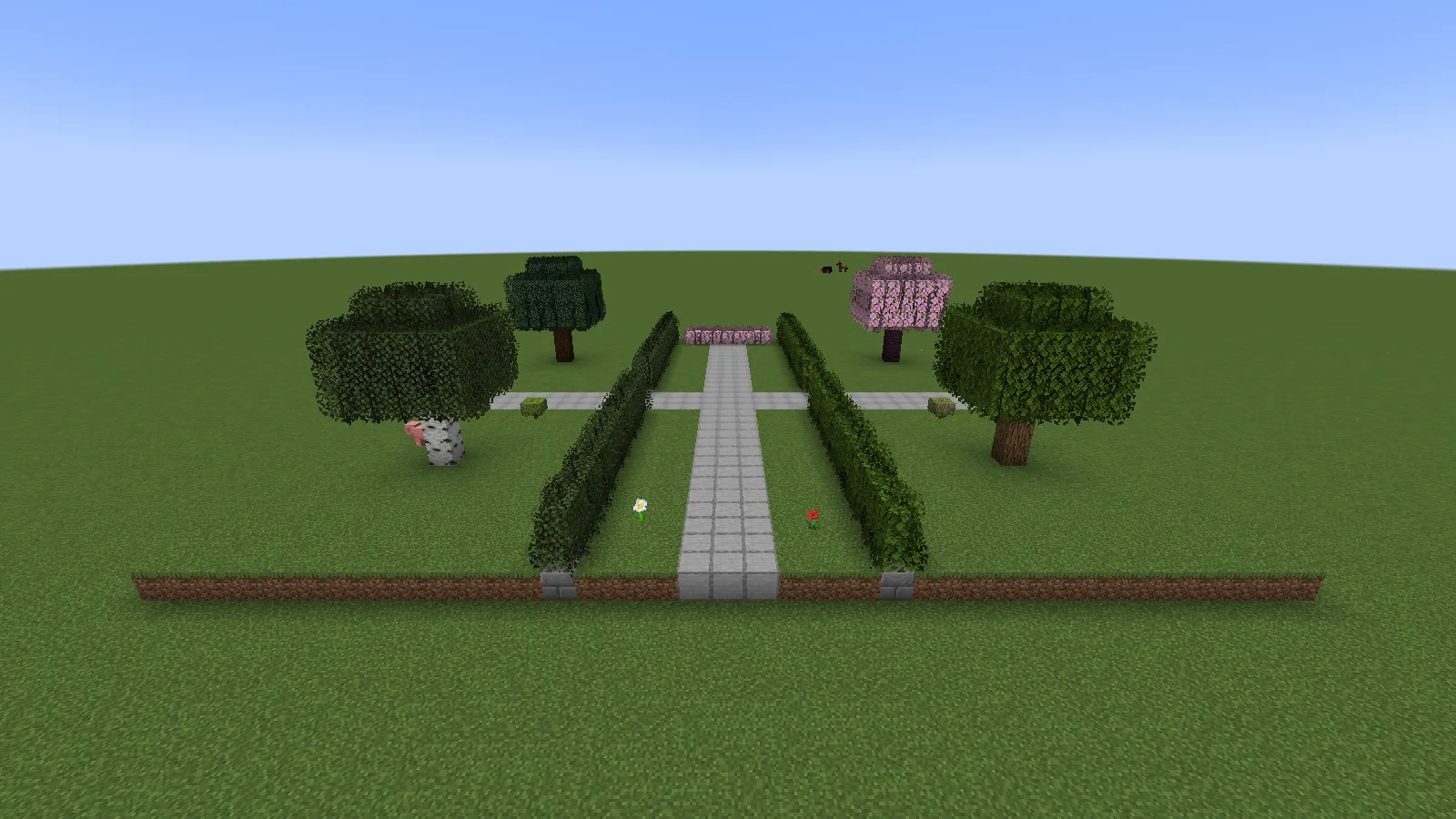
A familiar corner makes a visual change easier to judge.
For Better Leaves, we built a little garden and kept the camera, blocks and daylight the same while switching the pack. That makes the difference easy to spot: the hedge keeps its position, while its edges become fuller. You can decide whether that softer look suits your cottage without guessing how much of the picture comes from a shader.
Try the same idea on a corner of your own world. You do not need to rebuild the garden to find out whether you like the pack.
A small wall teaches more than a giant unexplained build
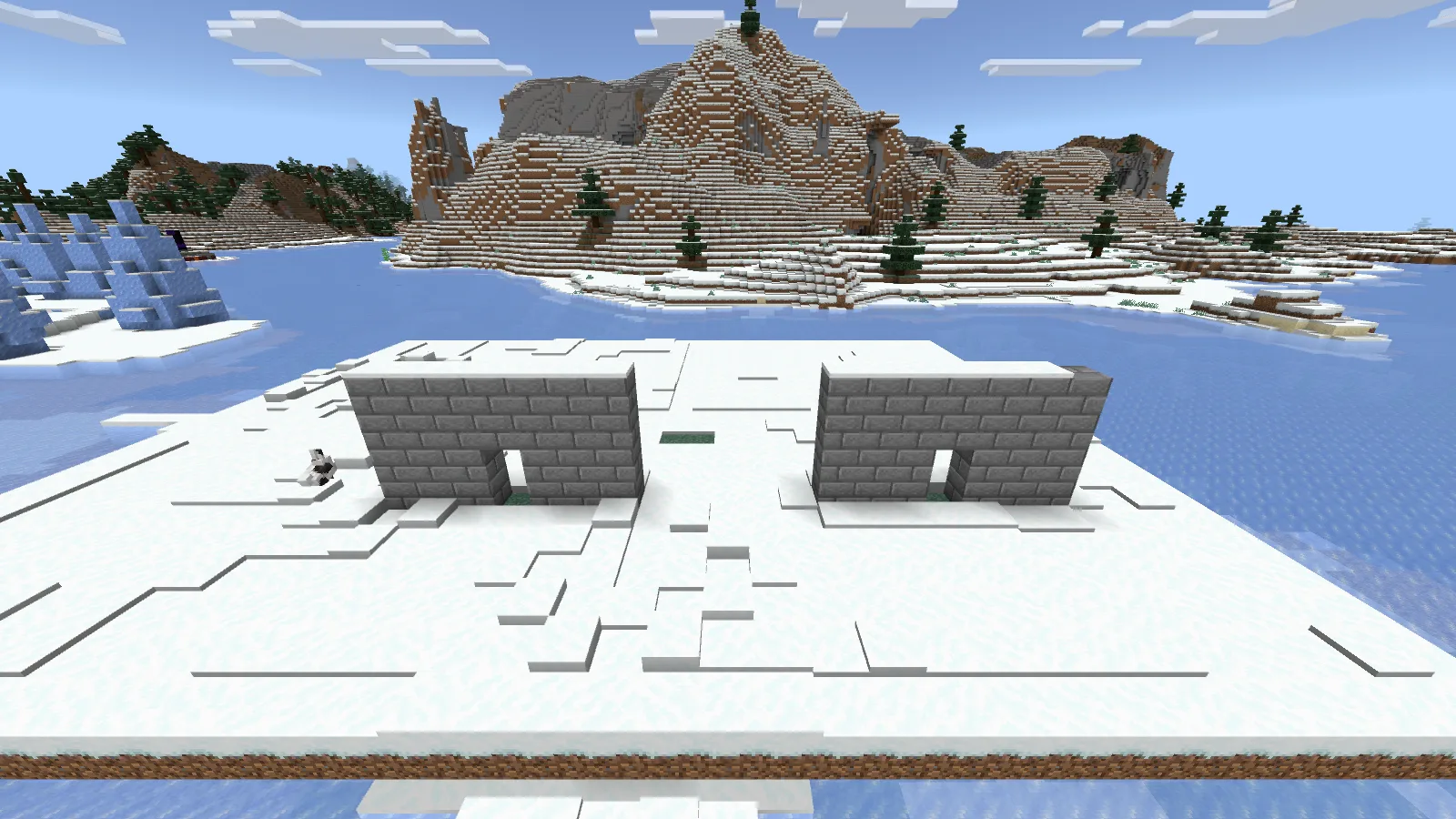
A small repeatable building exercise is a useful first step.
Our WorldEdit Bedrock guide begins with a short wall: select, fill, undo, redo, then make a doorway and copy the result. Each step has an obvious outcome. Once the small example feels comfortable, the same thinking becomes useful for longer walls and repeated parts of a larger project.
The copied wall is an exercise we built, not a building supplied by the add-on. Keeping that distinction clear helps you know what the download actually provides.
Follow the strange little interaction
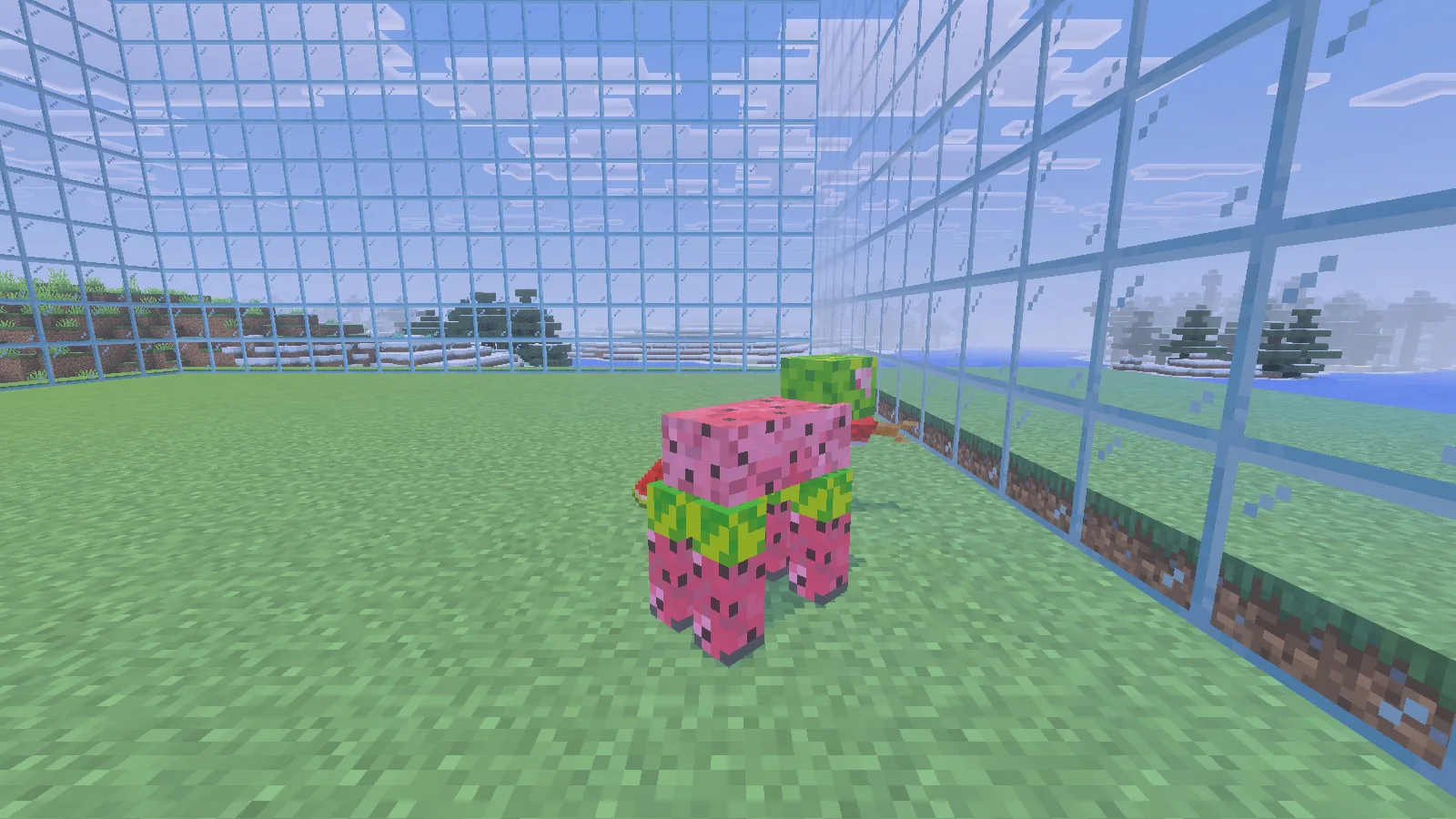
Follow one interaction far enough to see what actually changes.
Microsoft’s Add-On Starter includes a Sheepomelon. Shearing it changes the green rind to pink flesh, drops melon slices and produces a salmon. It is a silly moment, but also a useful lesson: one creature connects a texture, an interaction, drops and an extra action.
If you want to start making add-ons, choose one small part of that behavior to change first. You get a result you can recognize before attempting a whole creature collection.
Keep your next evening manageable
You do not need all these projects at once. Pick a goal, check the matching edition and file, and try it in an appropriate world. Older releases stay useful when you are keeping an existing setup; a bigger version number is not a reason to change everything mid-playthrough.
The file-selection guide helps when names, loaders and versions start blending together. The starter collection groups ideas by what you want to do next.
The original creators remain credited on each project. Modonix adds the scenes, explanations and practical observations that help you decide whether a project belongs in your next session. Written by the Modonix editorial team.
Comments & questions
Share what worked, ask for help or reply to another player.
No comments yet. Share what worked for you.