
August 5, 2025 — Bedrock 1.21.100. Two additions made this release interesting for builders: a Void flat-world preset and an experimental look at copper golems, copper chests and copper equipment. This page is an archive of that update, with our own present-day illustrations and building ideas.
A blank setting for a build that deserves the spotlight
The Void preset joined the flat-world choices in this release. It gives a project a very different setting from an ordinary landscape: the build itself becomes the focus. A floating island, a small structure showcase or a collection of separate challenge platforms all make sense in that kind of space.
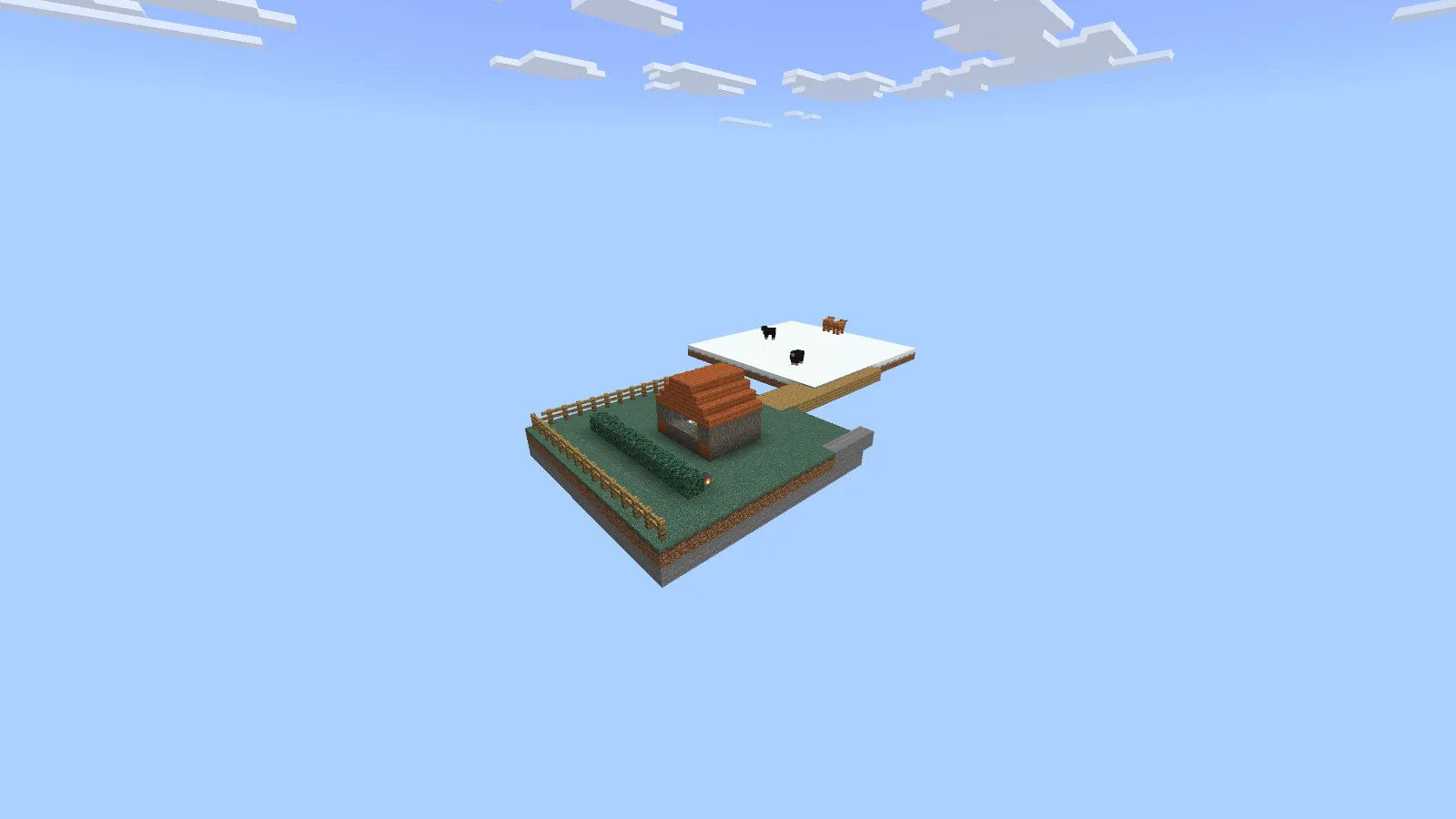
A present-day floating-island idea in a downloaded world. This is not the built-in Void preset or a 1.21.100 capture.
The picture is our own floating-island exercise in CrazyBreeze’s downloaded VoidWorld on Bedrock 26.52. It illustrates a building idea; it is not the built-in preset or a screenshot from 1.21.100. The two routes should not be confused when choosing what to open.
Start a first island with the room you need, then shape its edges. A modest house, a short path and a clear arrival point are enough to make the space feel intentional. Connect a second island only after the first has a purpose. Leaving open space between them helps each build read clearly.
For the downloaded-world route, our VoidWorld guide shows the original starting platform and the additions we made. Our structure guide explains how to bring in a saved building.
Copper arrived here as an experiment
In the 1.21.100 release notes, the copper additions belonged to Experimental Game Drop Features. A video made around this update may therefore show a world with that experiment enabled. Simply seeing the same release number does not mean every ordinary world had those features switched on.
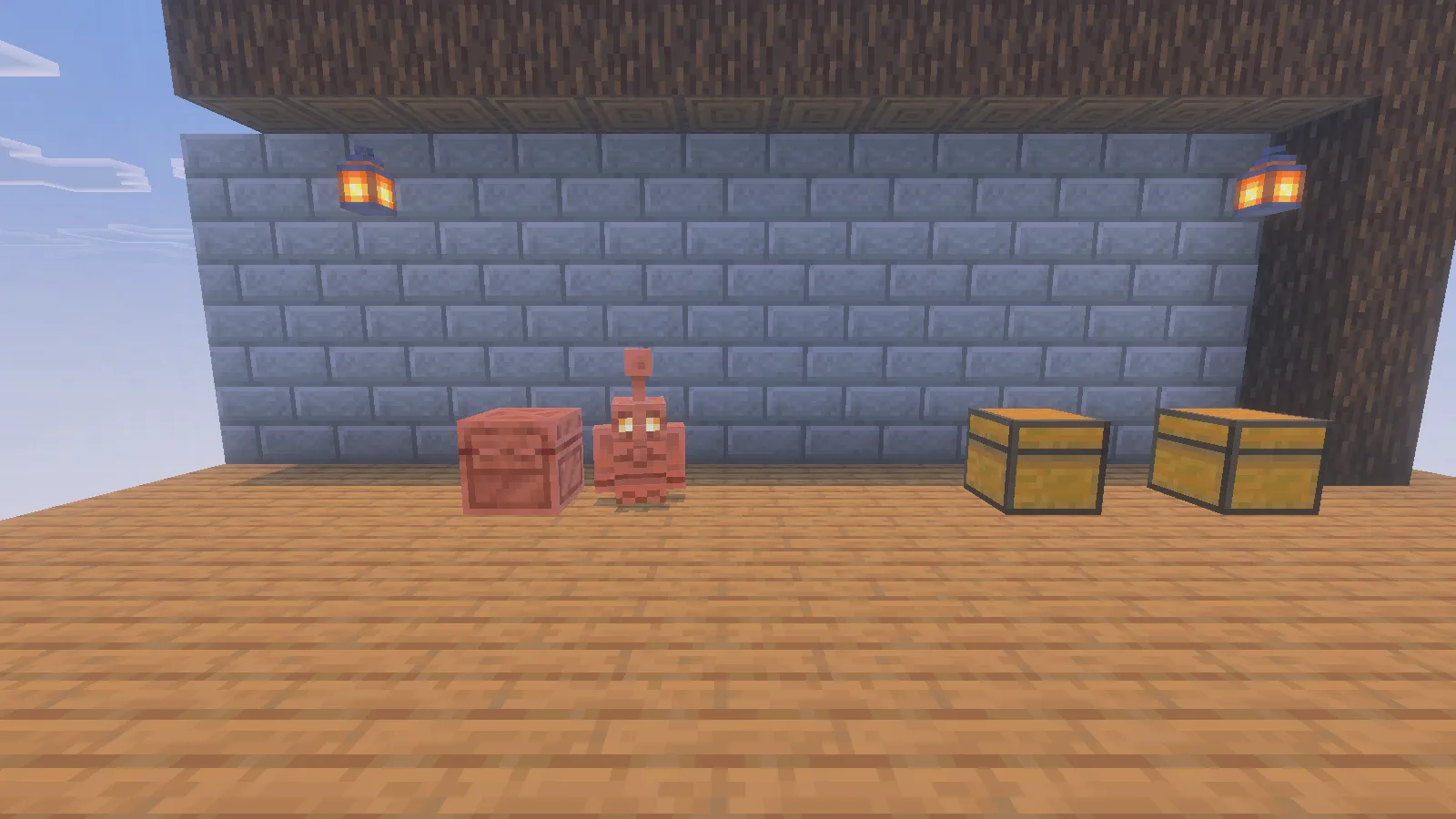
Our copper workshop illustration in Bedrock 26.52; the archived news discusses the earlier 1.21.100 experiment.
Our copper scene above was made in Bedrock 26.52, after this historical update. It is a present-day illustration of the subject, not evidence of how every copper interaction behaved in 1.21.100.
Turn the idea into a small workshop
Try arranging a storage corner before designing an entire warehouse. Give the copper chest a clear place, leave a walking route between containers, and keep the first room easy to inspect. A little workshop is also a good place to compare fresh copper colors with older-looking blocks elsewhere in your build.
For a practical experiment, put only a few easily recognized items into the setup and watch what happens before adding more containers. Check where each item ends up. If you change the room layout, repeat that small trial rather than assuming the previous arrangement still behaves the same way.
Reading an old update while playing a newer game
Use the archive date to understand the announcement, and your current game version to choose downloads. An add-on that mentions 1.21 is not automatically a match for every 1.21 update or today’s Bedrock. Open its file history and read the selected release’s requirements.
The official 1.21.100 changelog by Mojang Studios and Jay Wells records the release and its fixes. The scenes and building suggestions here are Modonix’s own additions. For help matching an older project to your game, use our file-selection guide.
Comments & questions
Share what worked, ask for help or reply to another player.
No comments yet. Share what worked for you.