
MC Assets helps you find the vanilla file behind a familiar block. It is useful when you can picture oak planks in a build but need the exact texture name and folder for your own resource-pack work. Start with a fixed Minecraft version so the reference matches the project you are making.
Follow the path to one material
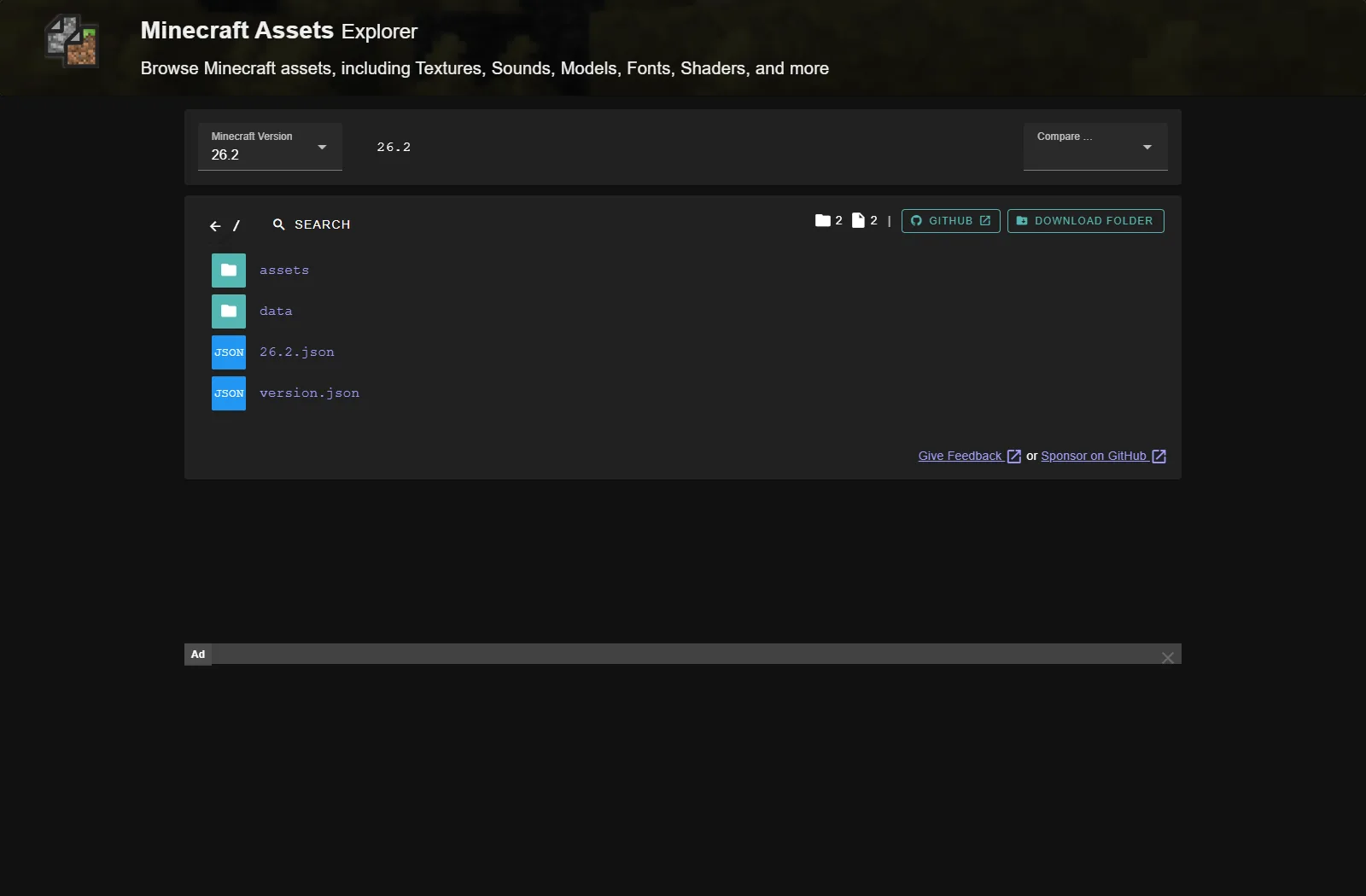
The walkthrough here uses 26.2. Select that version, open assets → minecraft → textures → block, then find oak_planks.png. The folder view shows small previews beside image files, which helps distinguish a texture from its animation metadata or a similarly named block.
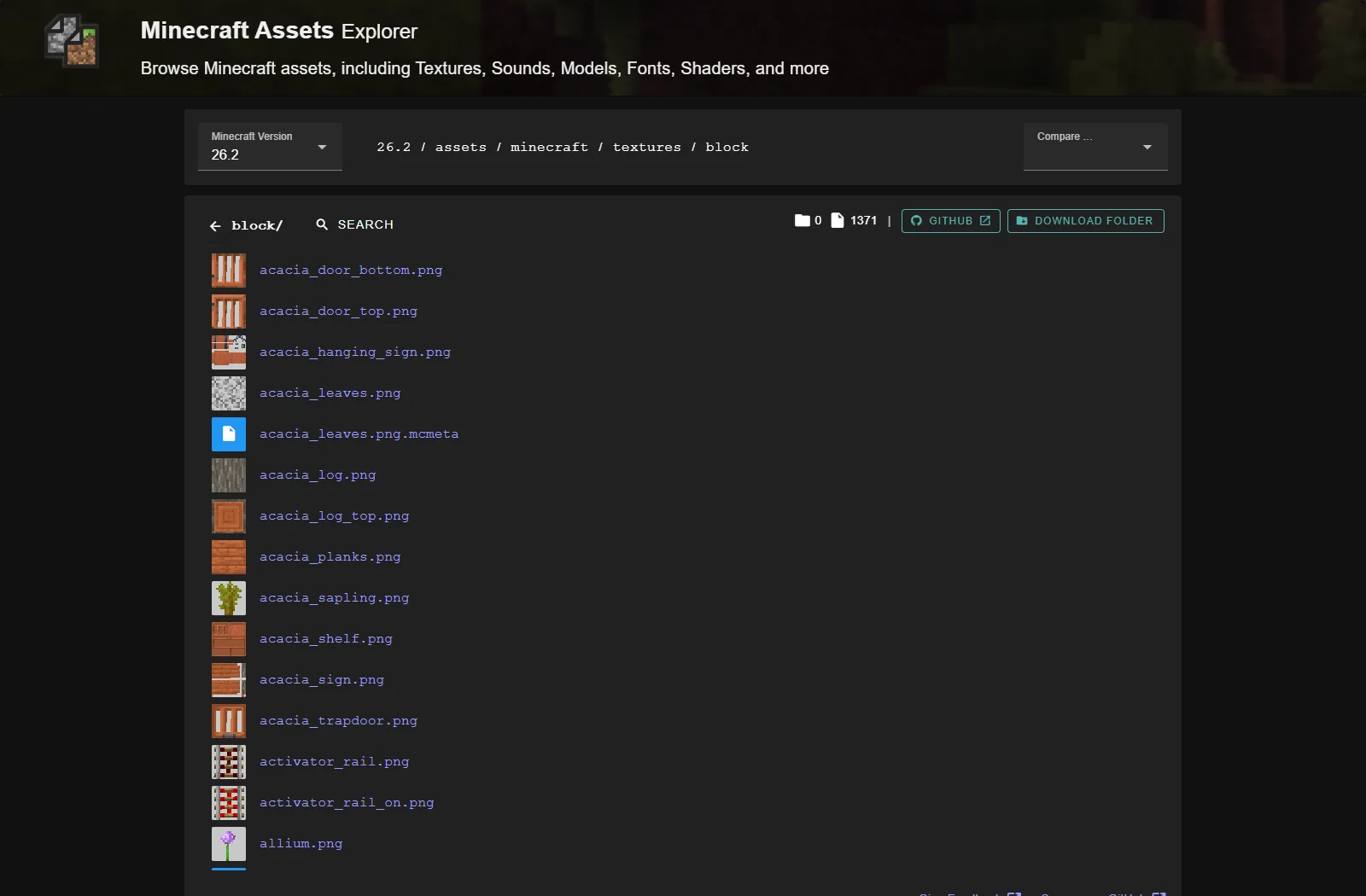
Open the file before saving anything. Check its name, path and preview together. Oak planks use a different texture from an oak log; logs also have separate side and end-grain images. If a block has different faces or moving parts, inspect the related textures and model references instead of assuming one PNG paints the whole block.
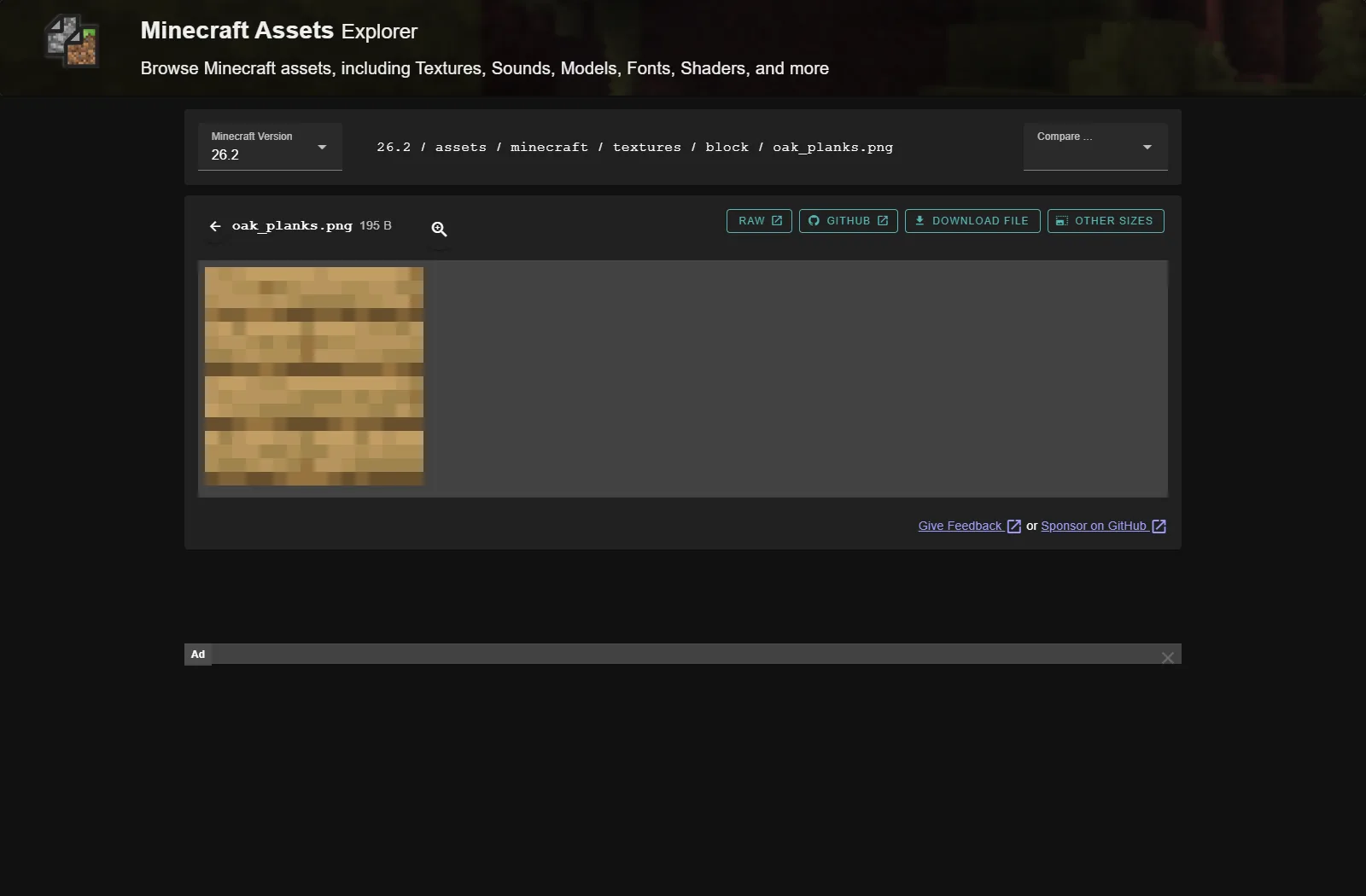
Keep the selected version and the complete path beside your own editable artwork. A filename alone is easy to put in the wrong folder. The browser can show textures, sounds, models and other assets, but they do different jobs: an image is not a sound event definition, and a model can refer to several images.
Turn a reference into a useful first change
Try one plank texture for a riverside storehouse. Keep its board divisions recognizable, then adjust the grain or color balance in your own artwork. In a small test build, place the new planks beside stairs, a door, stone and the surrounding ground. A texture that looks attractive as one enlarged square may make a full wall look too busy.
Change one material family first. Comparing one wall is easier than judging a pack that changes wood, leaves, stone and the sky together. Save the editable source separately from the PNG exported into your pack so you can revise the design without starting again.
Keep edition and usage rules in view
This is a Java asset hierarchy. Bedrock resource packs use their own manifest and folder structure, even when the blocks have familiar names. For animated or multipart assets, read the associated metadata and models instead of treating every image as an independent square.
The site's open-source code license does not grant blanket redistribution rights to Minecraft's artwork. Use the browser to understand paths and references, and check Minecraft's applicable usage rules before bundling vanilla files elsewhere. An original replacement texture with a clear target version is easier for another player to use than an unexplained archive of game assets.
Use this tool
This resource is hosted on its own website.
Open tool ↗mcasset.cloud
Comments & questions
Share what worked, ask for help or reply to another player.
No comments yet. Share what worked for you.