
A video can show a real Minecraft feature that your game does not have yet. Before changing installations, match three things: the edition, the release channel and the particular version. Java and Bedrock do not share one numbering sequence.
Start with the feature
This selector was checked on October 16, 2026. The numbers below identify official releases or test builds that document each feature; they are not a promise that every platform currently offers the same build.
| I want to use… | Java Edition | Bedrock Edition |
|---|---|---|
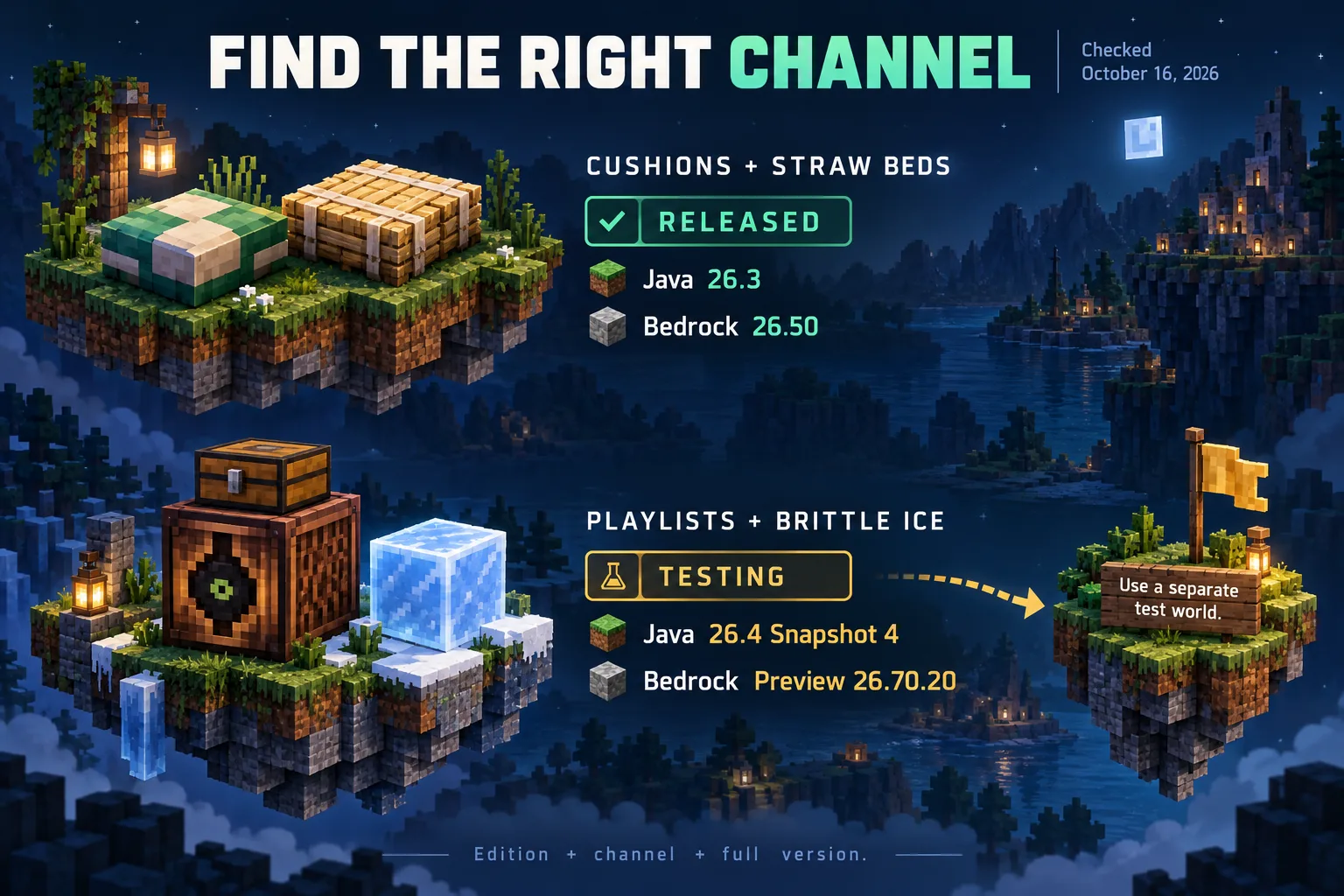
| Cushions and straw beds | Released in 26.3 | Released in 26.50 |
| Jukebox playlists | Testing: 26.4 Snapshot 4 | Testing: Preview 26.70.20 |
| Brittle ice | Testing: 26.4 Snapshot 4 | Testing: Preview 26.70.20 |
For a permanent campsite, the first row points to released content. For a playlist experiment or an ice obstacle course, the other rows point to development builds. Our separate guides explain jukebox playlists and brittle ice without making you search through an entire changelog.
Choose a channel before a version number
Release is the ordinary published game. A Java snapshot is a development build selected through the Java launcher. Bedrock Preview/Beta is the Bedrock testing route, with access depending on platform and program availability. “26.4” in a Java snapshot headline does not mean a Bedrock update with that number is missing.
An experiment toggle is another distinction. It changes a setting inside a compatible build; it does not download a feature into an older version. Follow the notes for the particular feature instead of turning on every experiment. The Preview 26.70.20 notes, for example, separate the new drop features from the Nether spawning experiment.
Try it without putting your main world first
For Java, enable snapshots in the launcher's Installations list, create a separate installation with its own game directory and start a new test world. Keep the installation for your regular world unchanged. If you need an existing build as scenery, make a backup before working with a copy; our backup guide explains the distinction between a usable backup and an empty promise to make one later.
For Bedrock, first check whether Preview/Beta is offered for your device. Use a new world in that test environment. Do not make your only copy of a long-running world the experiment, and do not plan on downgrading a world to undo a test update.
If a feature is still missing, read the full version shown in the game, then compare its edition and channel with the table. A similarly named mod or add-on is a separate product; check its required game and format before treating it as the official feature. A preview number alone also says nothing about whether your usual server can accept that client.
Comments 0
Share what worked, ask for help or reply to another player.
Use your Modonix account to join the discussion and manage your comments.
Sign in to commentNo comments yet. Share what worked for you.