
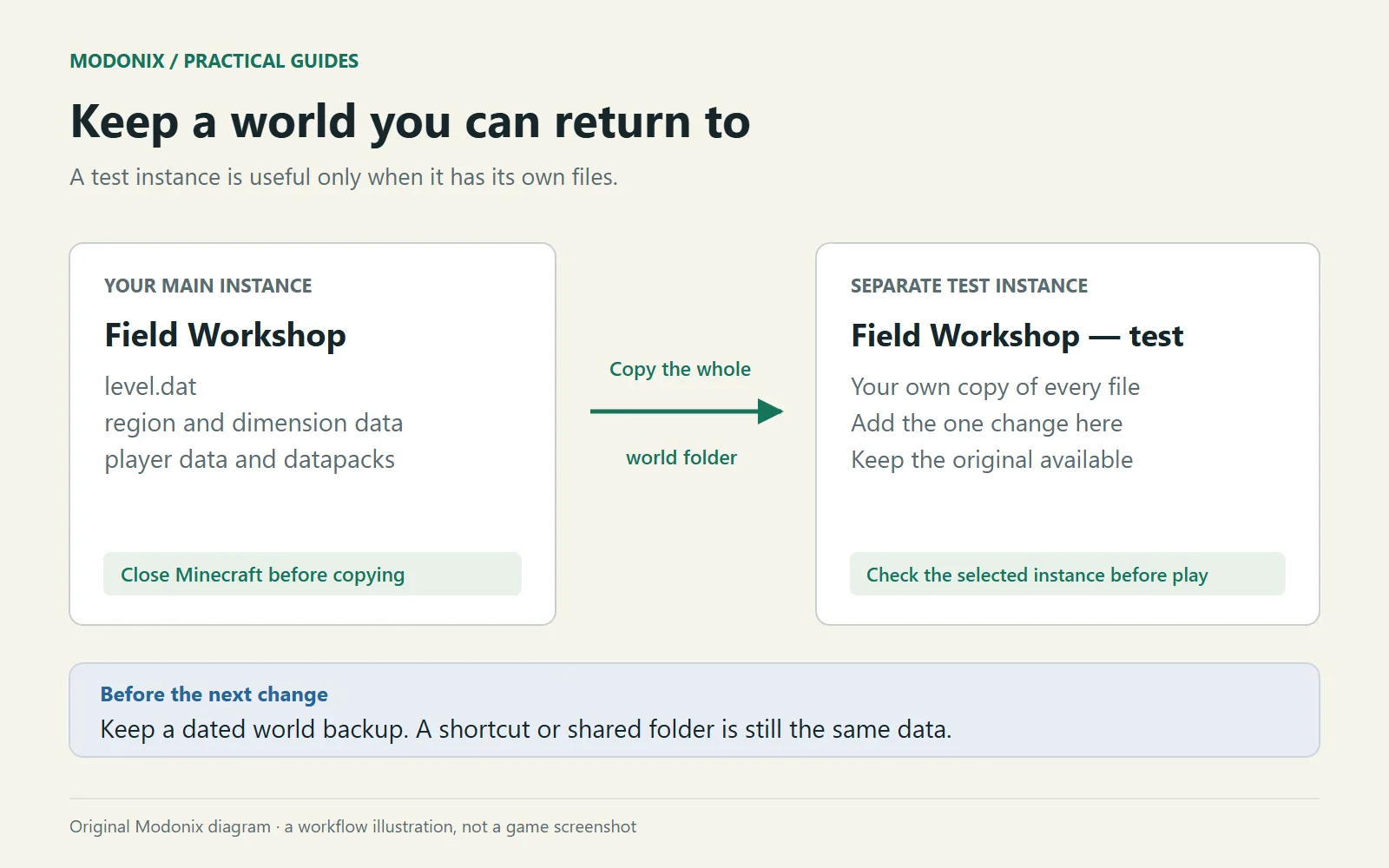
A separate world copy lets you try an update, move a building or add a mod without making that experiment your only version of home. The useful distinction is independence: two launcher entries should not lead to the same save files.
Make the copy while Minecraft is closed
- Save and quit the world, then close that Minecraft instance. Give the game time to finish saving.
- In Prism, right-click the instance and choose Copy. Use a name such as “Harbor workshop — before terrain edit.”
- Include Saves. Choose an ordinary copy. If you use a linking option elsewhere in the dialog, enable Don't link saves so the worlds remain independent.
- Open the new instance's folder and find its game folder and saves directory. Confirm that the copied world is physically under this new instance, not a shortcut back to the old one.
- Keep the same Minecraft version, loader and content mods for the first launch. Make the copy work before changing what runs it.
Keep the ordinary copy option for this first experiment; sharing save files defeats its purpose.
Make the two worlds hard to confuse
Rename the copied world's display name through the world's edit screen, adding “WORKING COPY.” The displayed world name and its folder name are different things; recognizing one is not proof that you have inspected the other.
Inside the working copy, place a small sign near the arrival point naming the experiment. Keep this marker away from anything you intend to export. For a familiar-world backup, do not add a matching test sign to the original just to prove a point: its unchanged files and the separate copy location are the stronger distinction.
Now change one thing in the workshop. Try the new roof, load the new mod or move the shed. Save, quit and reopen that same copy before deciding whether the result is worth keeping.
Recognize the copy before editing
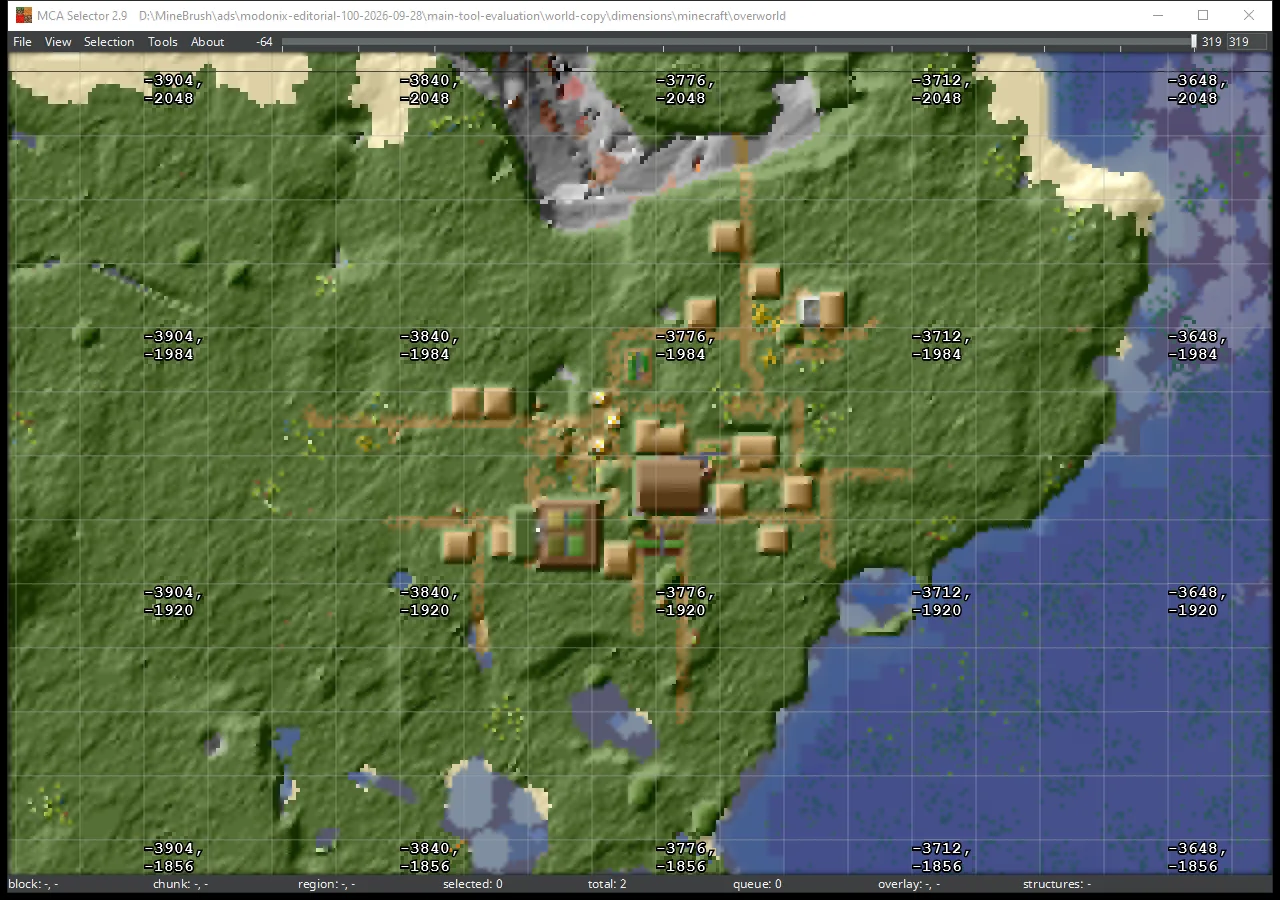
The map above shows a separate copy of our Field Workshop in MCA Selector. It is the same workshop and terrain, opened from its own world folder. The map helps identify the place; checking the folder location tells you which copy a tool will change. Open that working folder deliberately instead of choosing the first familiar world name in a list.
Keep a return point outside the experiment
Make a dated archive of the entire closed original world folder and keep it outside the instance you are editing. Preserve the whole folder rather than picking only region files; modern saves contain more than block terrain. A copy and a backup serve different purposes when one is being actively changed.
If the experiment becomes confusing, return to a fresh copy of the archive. Do not solve a failed upgrade by repeatedly opening the same save with older game versions. Keep the original version available alongside the original save so you can return to a known combination.
Comments & questions
Share what worked, ask for help or reply to another player.
No comments yet. Share what worked for you.