
BlueMap builds a 3D map that players can explore in a browser. It is useful when a shared world's important places are spread across a river, several villages or a network of roads. A map can show why the mountain pass matters in a way that a single coordinate pair cannot.
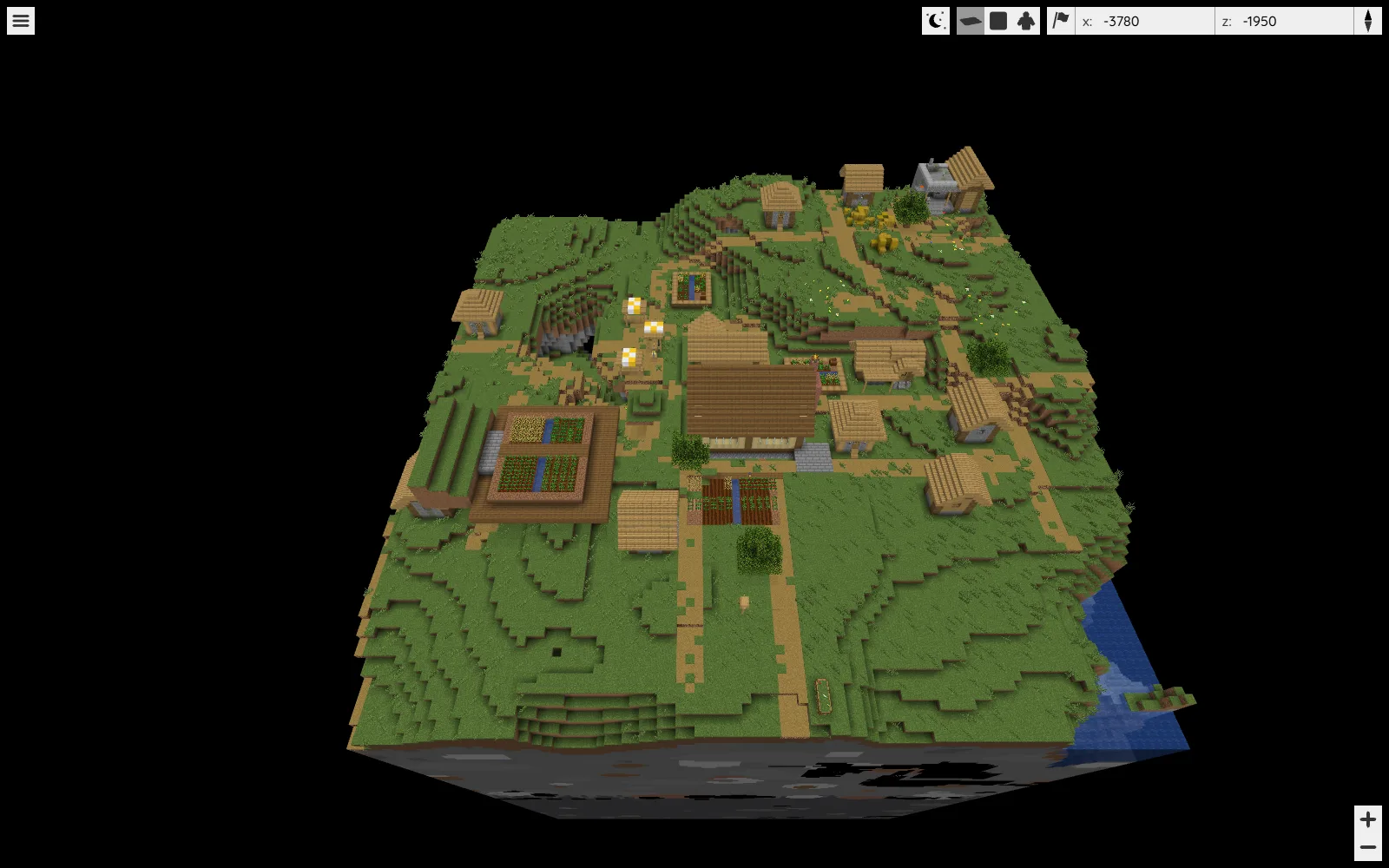
Start with one useful district. A small harbor, its road and the nearby village already provide a reason to pan, zoom and rotate the view. Rendering every explored chunk immediately adds work before you know what your group wants from the map.
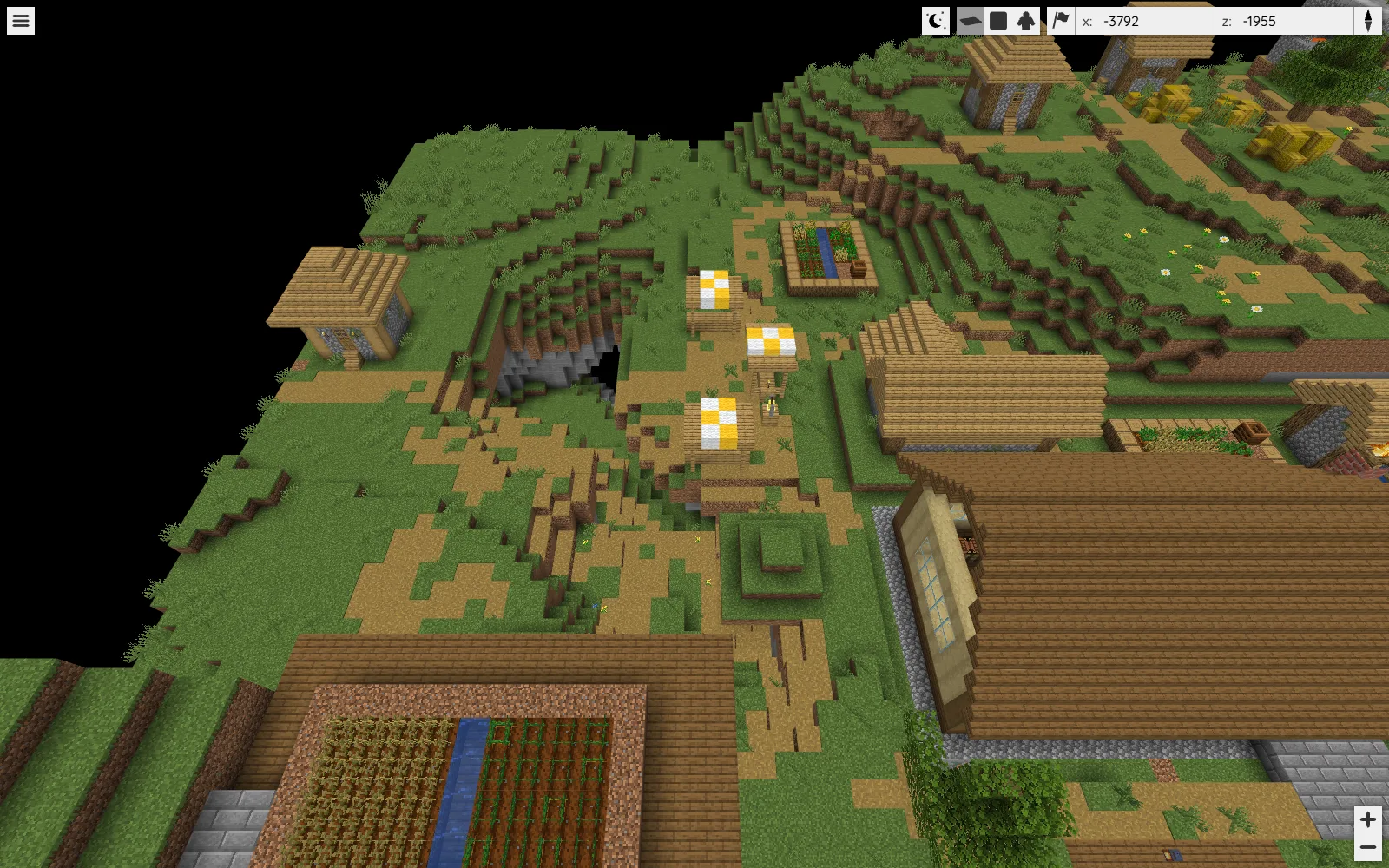
The example map keeps the Field Workshop, nearby crop plots and village paths in one view. Zooming closer makes the entrances and walking routes easier to compare, while the wider view shows how the buildings sit on the slope.
Choose a setup that fits the world
For an existing Java server, use the BlueMap build for that server platform. For a separate local map of a saved world, the CLI build runs without installing a server plugin. BlueMap 5.28 requires Java 25 or newer and supports Java worlds, not Bedrock saves.
In the standalone route, put the CLI JAR in its own working folder. Open a terminal there and run:
java -jar bluemap-5.28-cli.jar -c config
In config/maps/overworld.conf, set world to the complete, closed world copy's folder and retain minecraft:overworld as the dimension. Give the map a recognizable name and set start-pos near the place you want visitors to understand. Use a render mask to limit the first map to that district.
BlueMap needs Minecraft resources for its block models and textures. Read the download agreement in core.conf before enabling the resource download. Then render that map and generate its browser files:
java -jar bluemap-5.28-cli.jar -c config -m overworld -r -g -s
Rendering files and serving them to a browser are separate actions. Run the same JAR with -c config -w to start its built-in web server; with the default port, open http://localhost:8100 on that computer. Keep the initial map local while deciding what should be visible.
Design a map someone else can use
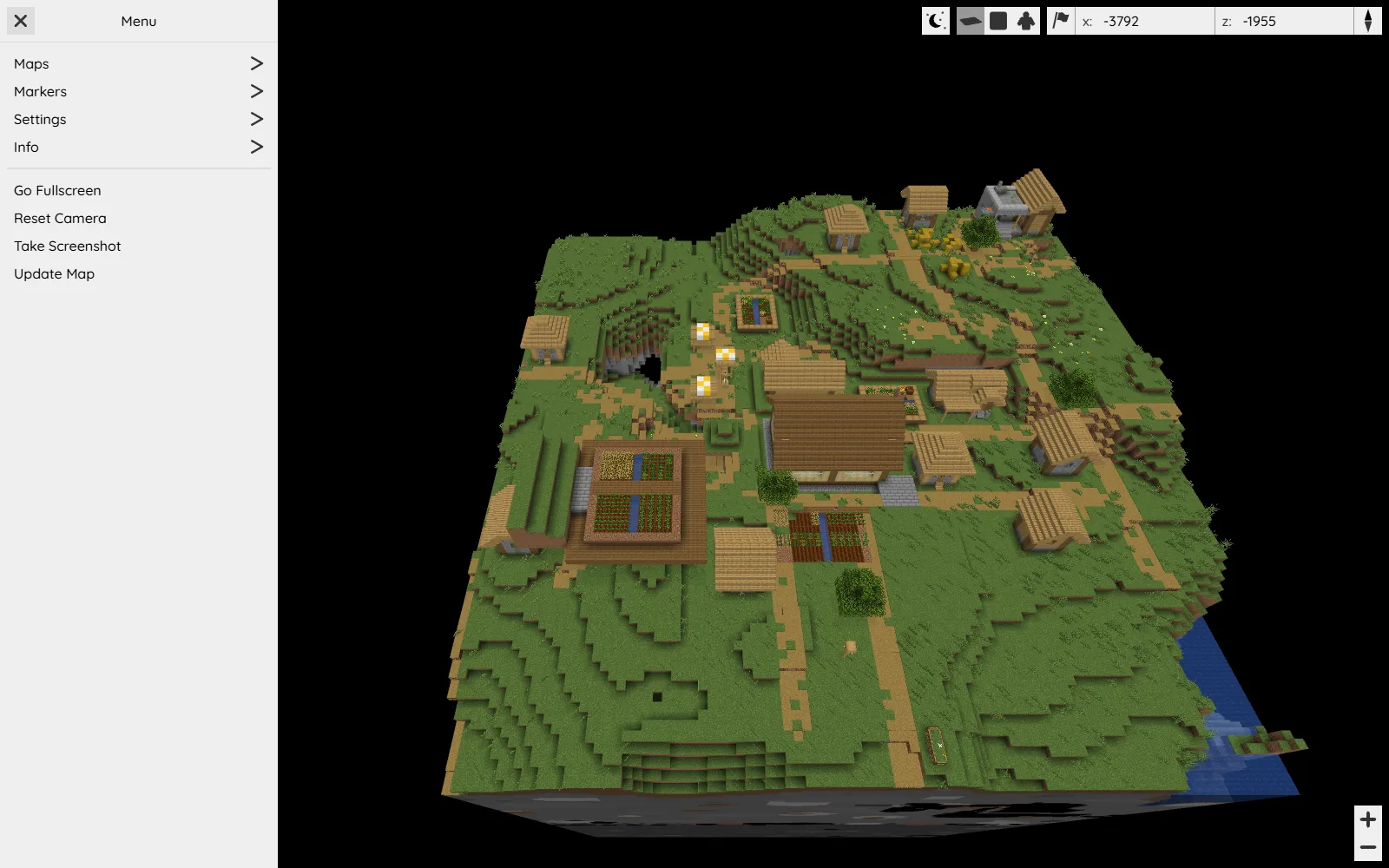
Name a few destinations by function: “River landing,” “Main storage” and “North tunnel.” A string of private nicknames is less helpful to a new player. Use a limited render area if the goal is explaining a settlement rather than revealing every distant exploration route.
Check the map after significant building changes. It represents saved world data, so an old render can point people toward a bridge that has since moved. Modded worlds need additional care: unusual blocks may depend on resources or rendering support beyond vanilla assets.
A useful first map answers three questions quickly: where to meet, how to reach the next destination and which route leads home. Add detail when it helps one of those tasks.
Use this tool
This resource is hosted on its own website.
Open tool ↗bluemap.bluecolored.de
Comments & questions
Share what worked, ask for help or reply to another player.
No comments yet. Share what worked for you.