
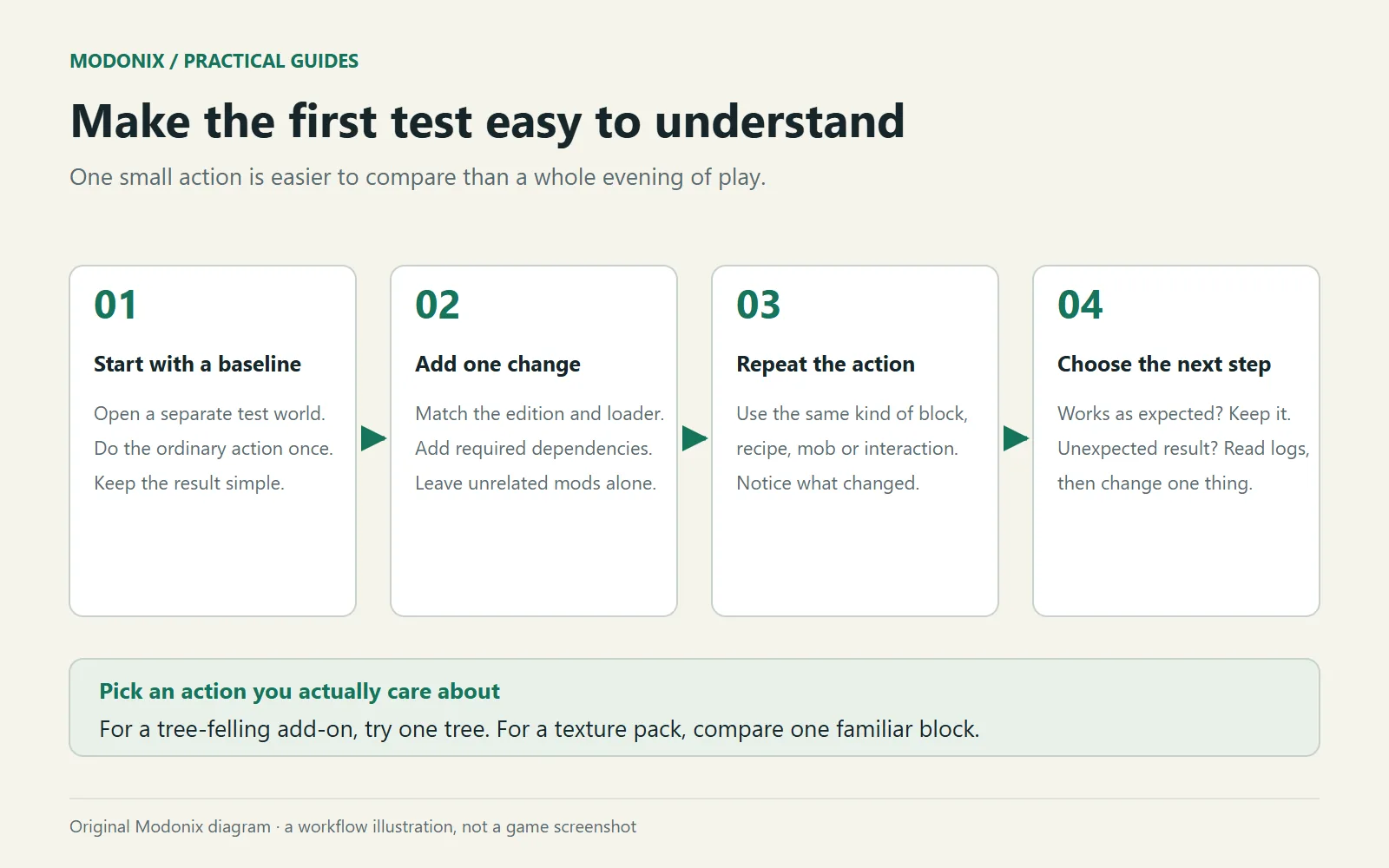
Give a new mod one small job before inviting it into a long-running world. A storage mod can organize three chests. A building mod can copy a short wall. A map mod can mark one doorway and guide you back. A specific task teaches you more than filling a world with every new item at once.
Set up the matching instance
Create a separate Java instance for the Minecraft version and loader listed on the mod's file page. Fabric, Forge and NeoForge builds are separate choices. Keep the downloaded mod filename and version so you can identify what you added later.
In Prism, open the instance's Edit → Mods page and add the mod and its required dependency files. Do not add a second version of the same mod beside the first. Launch into a new creative world with an obvious name such as “TEST — storage mod.” A separate instance keeps this setup easy to recognize.
Build a five-minute task
Make a small pad with a crafting table and a chest. Put the materials for your chosen action in that chest. For a new block, place it, interact with it and check what it needs to function. For an interface mod, compare the ordinary screen with the screen while its feature is active. Change its key binding if it clashes with a control you already use.
Save and reopen the world. Check the feature again where it was placed. This matters for a machine that stores items or a waypoint you expect to keep, even when the first interaction seemed straightforward.
Then try the ordinary action around it: move an item out, break and replace a disposable block, or travel away and return. Do not use valuable inventory for this little exercise. You are learning the boundaries of the feature as well as the button that activates it.
Give the result a clear check
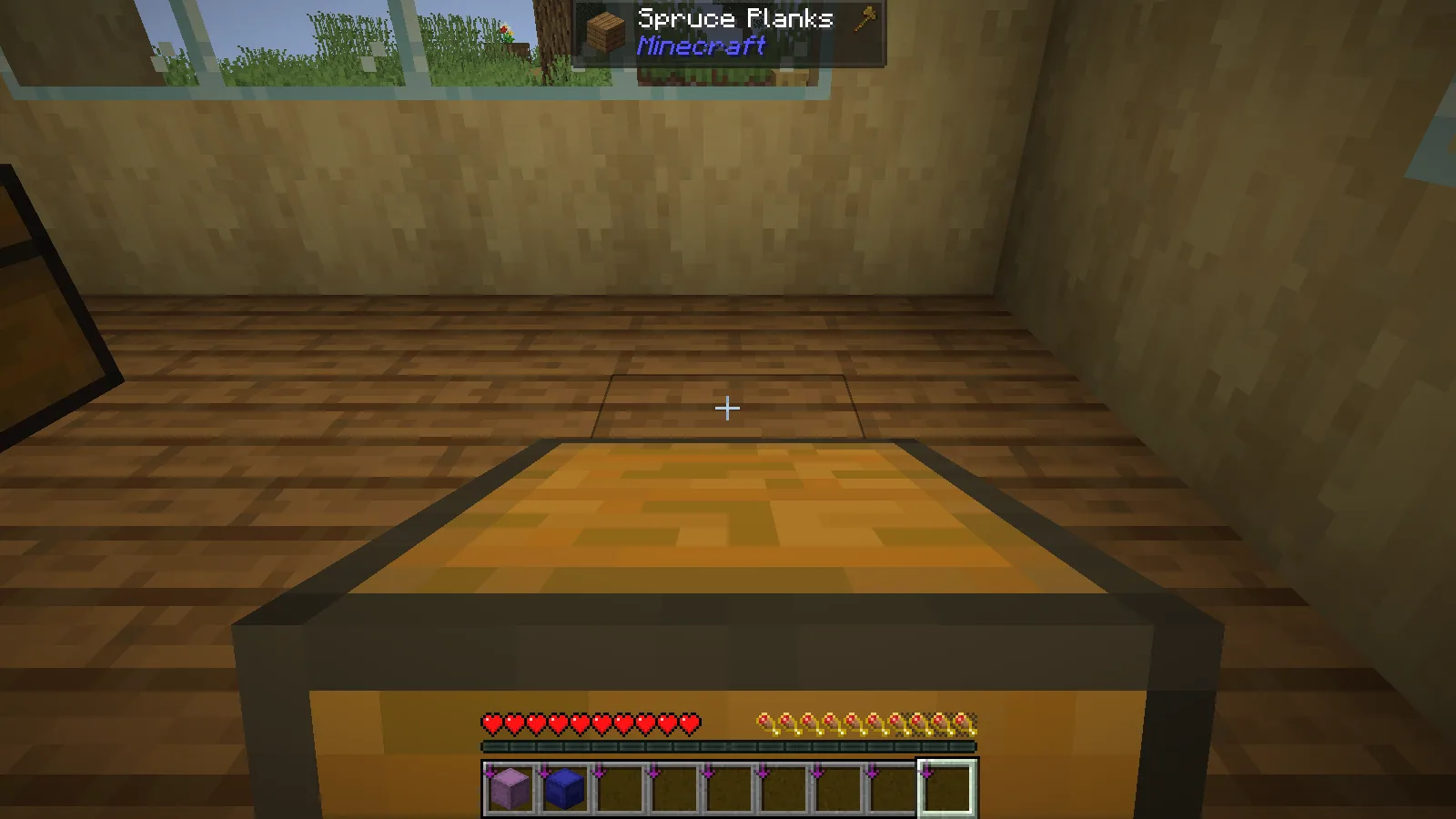
Our Carry On example in Java 26.2 used one ordinary chest and a short move across the workshop. Seeing a chest in the player's hands confirmed the pickup action. It did not yet tell us whether its contents had survived the move.
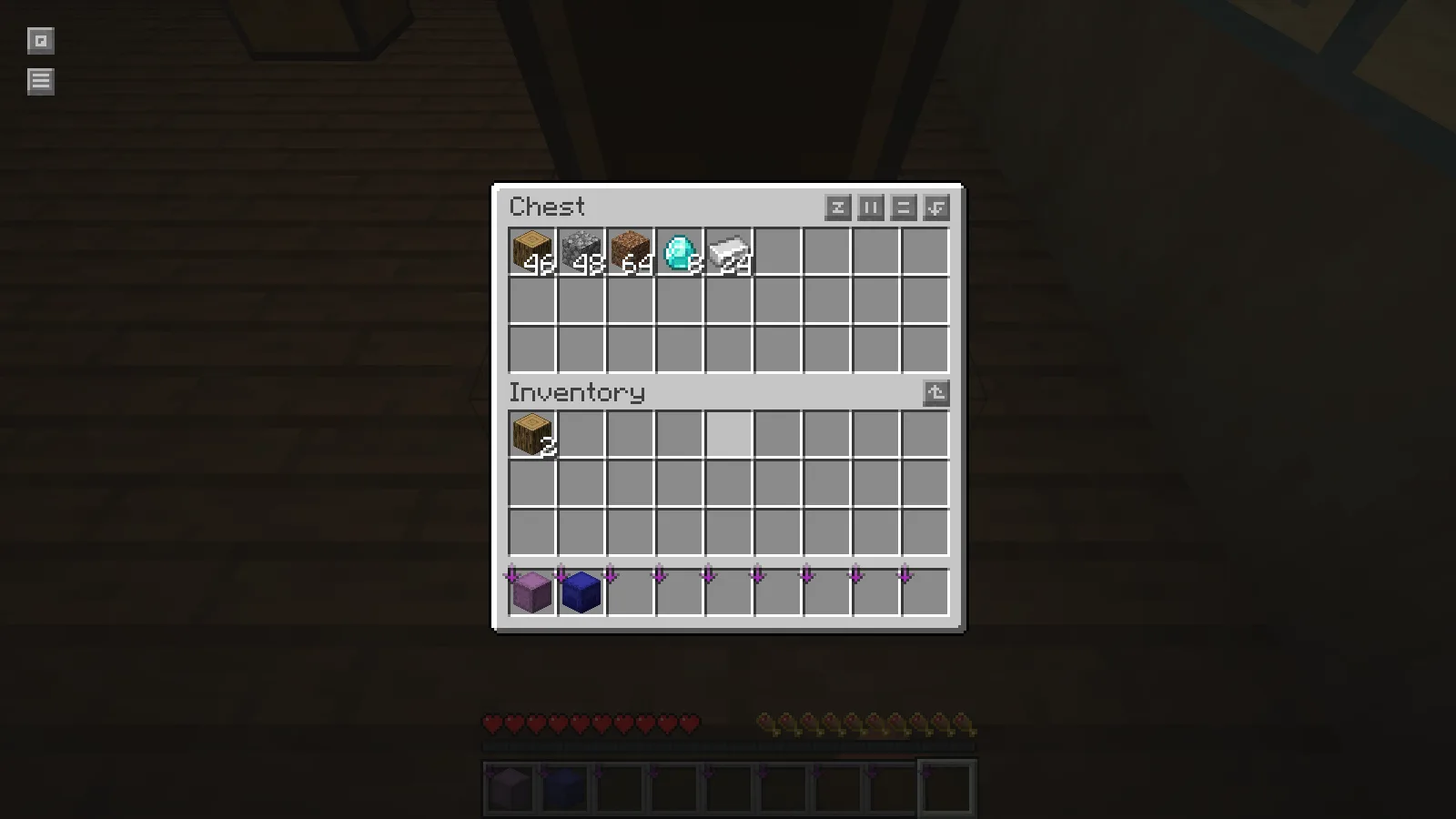
Opening the relocated chest answered the second question: the five original stacks remained. For your own small trial, a few easily counted items are enough. Write the expected result before the action, then check it afterward. Keep “the button worked” separate from “the stored items remained.”
Keep troubleshooting specific
If the game fails before the title screen, read the loader's dependency message first. A missing library or wrong Minecraft version calls for a different fix from a crash caused by using a particular block.
For a reproducible crash, keep the instance's latest.log and any matching crash report before another launch replaces the useful log. Write down the last action and the exact files involved. The matching report belongs to that instance’s crash-reports folder.
For a launch failure, close Minecraft and correct the named dependency or version in this test instance. If the cause is unclear, return to the last working set, keeping required libraries together, then add the new change again. Use a fresh disposable world for a repeat attempt.
Do not remove a content mod and then load the only copy of a world containing its blocks. Once the small exercise makes sense, make a complete copy of your real world and try the same setup there.
Comments & questions
Share what worked, ask for help or reply to another player.
No comments yet. Share what worked for you.